







This article walks through how to replace spreadsheets with custom software as a strategic process that protects what works while removing what holds you back.
Key Takeaways
- Spreadsheets become a legacy system once they hold core data, business rules, and workflows like revenue tracking, scheduling, or inventory. At that point they start blocking business growth and limiting what your teams can do. Research shows 70% of executives say legacy systems limit innovation.
- The main risks of running spreadsheets as your system of record include hidden errors, security vulnerabilities, audit gaps, and high maintenance costs from manual reconciliation work.
- Modernizing from spreadsheets to custom software is done in phases: assess sheets, design workflows, build a minimum viable product, migrate data carefully, and run old and new systems in parallel for 30 to 60 days. This phased approach reduces risk and disruption.
- SoftDoes is a custom software partner that helps U.S. enterprises and scale-ups turn fragile spreadsheet processes into reliable, cloud ready systems that support AI, automation, and compliance. Custom software preserves business critical logic and workflows that off the shelf tools often can't accommodate.
From Spreadsheet Chaos to Legacy System: When Excel Becomes Your Core Platform
In 2026, many finance, healthcare, and operations teams still rely on large Excel workbooks as the "real" system, even when an official application exists. A 20 tab file tracking $10M or more in annual sales, a patient scheduling sheet managing 30 providers, or a production planning workbook running a manufacturing plant since 2012. These are not edge cases. They are how the business operates day to day.
An existing system can be nothing more than a collection of shared spreadsheets, macros, and email driven processes that everyone depends on. Many legacy systems like these create data bottlenecks and silos that slow the entire organization. They also lead to employee frustration and inefficiency when files lock, formulas break, or versions conflict.
This is why modernizing legacy systems by transitioning from manual spreadsheets to custom software is not just a tech upgrade. It is a legacy modernization step that must protect existing logic while removing performance bottlenecks. Legacy systems often lack compatibility with modern technologies, which means the longer you wait, the harder the transition becomes.
Why Spreadsheets Turn into a Legacy Problem
Spreadsheets start as a quick fix but slowly become legacy software that is hard to change without risk. A workbook created in 2014 grows to hundreds of columns, thousands of rows, and VBA macros no one wants to touch. That old software becomes the backbone of core operations.
The impact on business operations is real. Monthly closes drag on, reporting is delayed, and decisions get made on outdated or inconsistent numbers. Legacy spreadsheets often contain errors, inconsistencies, and poor formatting. Studies show roughly 94% of spreadsheets contain errors, often unnoticed until an audit or compliance review surfaces them.
On the technical side, legacy code in macros, linked files across shared drives, and broken formulas after every structural change define the legacy architecture. Performance degrades past 50,000 rows. Meanwhile, outdated systems storing PHI or financial data lack proper access controls or audit trails, creating real security risks. Legacy systems often lack necessary security updates and patches, compounding the problem.
The hidden cost side is significant too. Legacy systems can consume over 70% of IT budgets for maintenance alone, leaving little room for innovation. Every hour spent chasing data or fixing formulas is an hour not spent on the current system improvements your team actually needs.
Deciding If It's Time to Replace Spreadsheets with Custom Software
Strategic drivers matter too. When a spreadsheet cannot integrate with modern apis, blocks cloud migration, or cannot support planned business growth, replacement timing and the right approach should align with business goals. 96% of IT leaders agree AI success depends on data integration, and spreadsheets rarely provide clean, structured data for analytics. Many companies bring in IT consulting services to align modernization plans with business strategy. Organizations should also seek opportunities to automate repetitive tasks during modernization rather than simply digitizing the old system.
Assessment should include documenting the use of existing spreadsheets and their owners. A solid modernization strategy starts with a 2 to 3 week discovery phase that clarifies business goals before choosing the path forward. SoftDoes often begins engagements exactly this way, focused on Excel based workflows.

Let’s Turn Your Idea into Scalable Software
Book a call with the representative to get answers to all the questions you may have.
The Business Case: Costs and Risks of Staying on Spreadsheets
Spreadsheets rarely show up as a line item, but they create real financial exposure. Consider a finance team of four, each spending 15 hours per month on spreadsheet cleanup. That equals 720 hours per year. At $50 per hour loaded cost, you're looking at $36,000 annually just on maintenance, not counting the cost of errors that in trading environments might demand AI driven risk management software rather than fragile spreadsheets.
Risk categories include accidental overwrites, deleted rows with no rollback plan, incorrect pricing formulas that go unnoticed for weeks, and audit failures due to missing version history. These aren't hypothetical. They reduce technical debt tolerance and erode business value over time.
Scalability compounds the issue. As data volume and team size grow, spreadsheet performance degrades. Crashes, slow open times, and copy paste workarounds multiply. Cloud migration can reduce maintenance costs by 30 to 50 percent compared to maintaining outdated software on local drives. COTS solutions often require costly process changes to fit your workflow, while custom software modernization avoids vendor lock-in risks. Staying on spreadsheets can cap revenue, slow new product launches, and make meeting customer expectations harder as evolving business requirements outpace what a spreadsheet can handle.
A Practical Roadmap: Step by Step Modernization from Spreadsheets to Custom Software
The safest path for replacing spreadsheet-based systems is a phased approach to modernizing legacy applications, not a risky big bang replacement. Effective modernization approaches often use phased implementation strategies, and the Strangler Pattern gradually replaces legacy systems without disruption. Here is a modernization roadmap that works.
Discovery. Inventory all business critical workbooks. Document tabs, key formulas, external data sources like CSV exports from a legacy system, and who owns each file. Mapping dependencies visualizes how spreadsheet data feeds into other systems. Modernization should start with a system assessment and workflow mapping.
Workflow mapping. Sit with real users to trace how data enters the spreadsheet, flows across tabs, and drives decisions. Involving end users early helps ensure stakeholder buy in. This step uncovers the core business logic and business rules embedded in formulas that documentation never captured.
Data modeling. Turn VLOOKUPs, INDEX/MATCH, and nested IF formulas into documented business logic and database relationships. Defining requirements and data structure is critical before developing new software. A business centric strategy prioritizes data integrity in legacy system modernization.
MVP build. Start by replacing the highest risk part of the spreadsheet. For example, order intake or scheduling. Gradually replacing specific spreadsheet functionalities reduces risk during modernization. Using low-code platforms can accelerate the development of internal applications for simpler components, while custom software development handles the complex parts. The product development lifecycle helps eliminate manual workarounds.
Data migration. Data migration should be treated as a separate, critical workstream. Cleaning and validating spreadsheet data is often one of the most challenging steps. A thorough data audit is essential when transitioning from spreadsheets to custom software. You need to migrate data carefully and verify data parity between the old system and the new system.
Parallel run. Keep the spreadsheet and new custom system live for 30 to 60 days, comparing results before decommissioning. This acts as a safety net and ensures business continuity without disrupting core operations. Incremental modernization minimizes risks and ensures smooth adoption.
Legacy system modernization upgrades outdated software for current business needs while preserving the valuable logic embedded in legacy processes. Among the most reliable legacy system modernization approaches, phased implementation reduces risk during modernization and allows incremental modernization for gradual system upgrades. A broader digital transformation program can connect these modernization efforts to measurable business outcomes. You don't have to replace the entire legacy system at once. The key benefits are lower risk, faster validation, and less disruption.
Core Capabilities Your Custom System Should Deliver
Replacing spreadsheets is not about copying every cell. It is about designing a modern system that fits your business needs and supports future growth. Integrating APIs can modernize workflows without full replacement in some cases, but a purpose built custom software solution goes further.
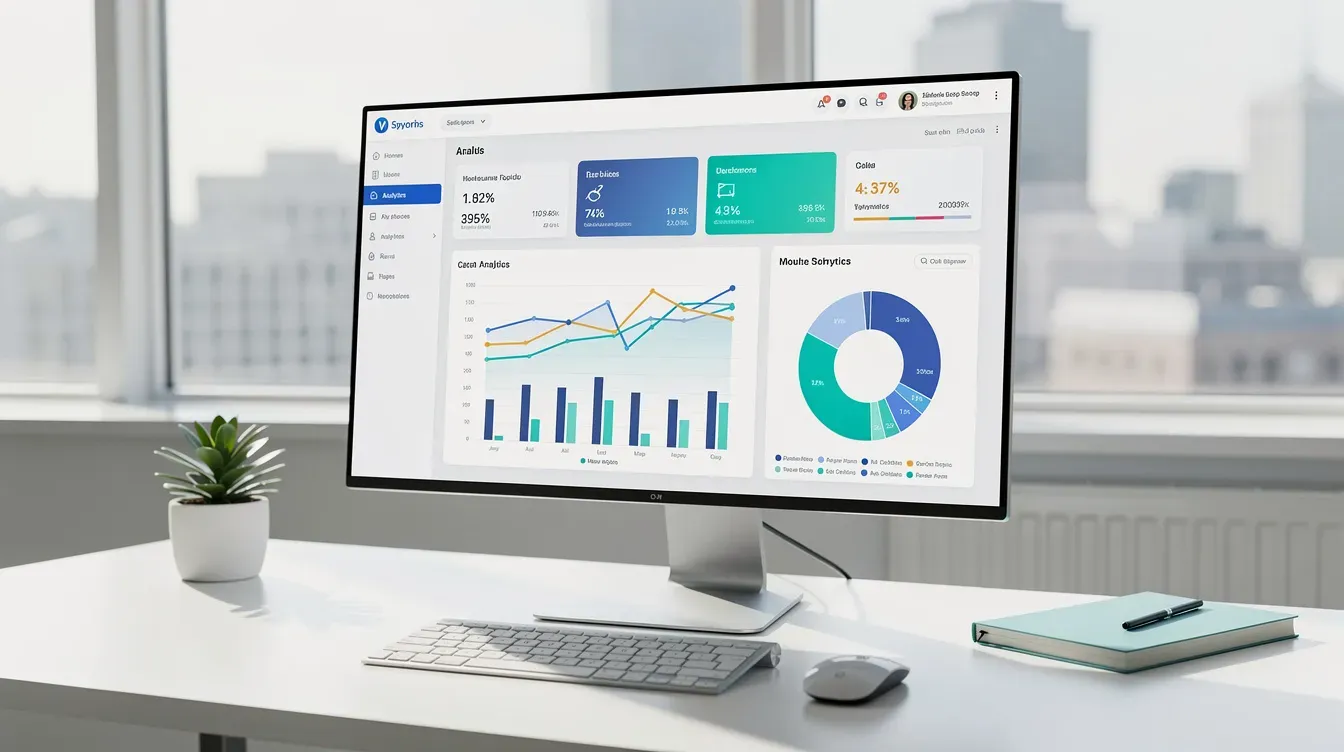
Key capabilities include role based access controls, audit logs, validation rules that prevent bad data entry, and centralized storage in a cloud database. User interfaces should offer simple forms and guided steps instead of raw grids, with dashboards replacing manual summary tabs. This delivers enhanced user experiences that spreadsheets cannot match.
Integration capabilities matter. The new system should pull customer data from existing platforms (ERP, CRM, EMR) via APIs and export clean data for BI tools, eliminating manual CSV uploads. Cloud migration enhances scalability for fluctuating business demands, cloud platforms improve accessibility for remote users, and migrating to the cloud enables faster deployment of new features. Partnering with enterprise and software architecture services helps ensure these integrations are secure, scalable, and aligned with long term goals. Cloud migration also supports better integration with modern technologies.
For reporting, configurable reports replace ad hoc pivot tables. You can layer AI and ML models later for forecasting or anomaly detection through data science services. The system architecture should handle years of legacy data with strong performance, reliability targets, backup plans, and compliance support, ideally delivered by a partner with expert software solutions across regulated industries.
Technology Choices and Cloud Migration Considerations
Modern custom software replacing spreadsheets should be built on cloud infrastructure from the start, with a design that supports new technologies over time rather than only current needs. A typical stack might include a React front end, a Python or Node.js backend, PostgreSQL for storage, all containerized and deployed on AWS, Azure, or Google Cloud through proper cloud migration services.
Cloud migration means moving from files on local drives or on premises infrastructure to secure cloud services with role based access, automated backups, and encrypted connections. Cloud migration can reduce maintenance costs by 30 to 50 percent. Engaging an agile software development partner makes it easier to evolve your cloud architecture as requirements change. This eliminates dependency on outdated hardware and specific operating systems. You also move away from proprietary protocols that lock you into a single vendor.
For integration, REST APIs, webhooks, and secure authentication through OAuth 2.0 or SSO connect the new system with existing platforms. This replaces the spreadsheet export and import cycle with a web application solution that works in real time. Cloud computing makes it practical to add new features and scale without major rework.
Structuring data properly now means future AI use cases like anomaly detection or natural language reporting become possible without another rebuild. A mature product development and engineering approach ensures these capabilities can be added iteratively over time. SoftDoes works within your preferred cloud provider and aligns with your security and compliance standards, whether SOC 2, HIPAA, or financial regulations.
How SoftDoes Leads Spreadsheet to Software Modernization Projects
SoftDoes is a U.S. focused software engineering partner that specializes in replacing fragile spreadsheet systems with robust custom software and app development through digital transformation engagements.
Our typical engagement pattern starts with a 2 to 4 week discovery and system audit, followed by phased delivery in 2 to 4 week sprints with clear demos and user feedback loops. In one recent scenario, a mid market distributor replaced a 15 sheet pricing workbook, cutting quote turnaround from two days to same day. The modernization process eliminated hours of manual lookup work and gave leadership real time visibility into margins.
SoftDoes capabilities span custom software development, cloud services, data engineering, AI/ML integration, and UI/UX design, backed by a team and culture focused on quality, trust, and long term partnerships, all applied with a focus on business continuity and minimal disruption. We work alongside internal IT and business stakeholders with a shared backlog, risk register, and measurable success metrics like error reduction, time savings, and faster reporting. These modernization projects consistently deliver the core system improvements that 70% of executives say their old software blocks.
Ready to find out if your spreadsheets should be improved, wrapped, or fully replaced? Schedule a modernization assessment with SoftDoes and take the first step toward a system that matches how your business actually runs.


Comments (0)
No comments yet.