
Hire a remote Canva Designer
Looking to hire a Canva Designer? Our Canva Designers bring senior-level expertise, backed by a U.S. delivery team.
100+
Fully Vetted Developers
24h
Average Matching Time
300
Project Delivered






















Hire remote Canva Designer
Discover developers that match your project requirements.What our Canva Designers can build

Which engagement model is right for you?
One engineer, ongoing delivery support, or a complete product team. You set the dial. The firm stands behind every level.

Strengthen your existing engineering team with senior specialists who integrate seamlessly into your workflows while you retain full ownership of priorities, roadmap, and day-to-day management.
- Senior engineer(s) integrated into your team.
- Fast onboarding into your workflow.
- Flexible monthly engagement.
- Replacement guarantee if needed.
- Direct communication and full transparency.
Ideal for teams that need experienced engineers backed by technical leadership, ensuring faster onboarding, predictable execution, and consistent delivery without adding management overhead.
- Dedicated senior engineer(s).
- SoftDoes delivery oversight.
- Regular technical and delivery check-ins.
- Optional code reviews and QA support.
- Escalation management.
- Replacement support.
- Flexible team scaling.
Launch products faster with a ready-to-work cross-functional team that brings together the right expertise from day one, helping you scale without the complexity of hiring each role individually.
- Engineers, QA, Designers, PMs, Tech Leads - assembled to fit your project.
- Cross-functional collaboration.
- One engagement structure and one point of contact.
- Easy scaling up or down.
- Team continuity throughout the project.
Need the outcome, not the team?
SoftDoes also delivers complete projects end to end.
- End-to-end project ownership.
- Dedicated Project Manager.
- Engineering, QA, Design, and Product expertise.
- Delivery planning and sprint management.
- Quality assurance throughout development.
- Transparent communication and regular progress updates.
- One accountable partner responsible for successful delivery.
Not sure which engagement model fits?
SoftDoes takes full ownership of delivery, combining project management, engineering, design, and QA into one accountable team focused on successful outcomes.
FIND THE
RIGHT expert, FASTER
Choose a role. Filter by technology.
Discover developers that match your project requirements.
Hire developers by role


Hire developers by tech stack

















Hire developers by industry











Engagement Flexibility
Launch with a single senior engineer who can own development from day one. Validate ideas, ship faster, and scale only when your product requires additional capacity.
Expand naturally as new priorities emerge. Bring in frontend, backend, QA, DevOps, or design specialists without disrupting your existing workflow.
Transform individual contributors into a dedicated delivery pod. Combine engineering, QA, design, and product expertise working together toward shared outcomes.
Increase or reduce team size based on roadmap, funding, or workload. Stay lean during quieter periods and scale confidently when demand grows.
How to hire a Canva Designer
Fill out a short form and see who's on the bench. Real profiles, verified histories.
Tell us what you need. We propose two or three candidates from the bench; you interview them directly.
Your engineer starts on your project. Contract, payments, and the guarantee run through us.
US VS. THE DATABASE

 >
>Frequently Asked Questions
Everything you need to know about working with SoftDoes. Can’t find an answer?
How long does it take to hire a Canva Designer through SoftDoes?
For a mid level Canva designer, the complete process including sourcing, vetting, interviews, and onboarding planning typically takes three to five weeks. For senior designers or those with specialized skills such as motion, video, or brand system architecture, the timeline may extend to six to eight weeks to ensure the quality of the match meets your standards. If you need someone faster, we can prioritize from our existing vetted network to shorten the cycle.
What does it cost to hire a Canva Designer?
In house US salaries for remote graphic designers typically average in the mid to upper five figures annually, while hourly freelance rates for general graphic design tend to run around the mid fifty dollar range per hour, rising to seventy dollars or more for specialization in areas like brand identity, pitch decks, or illustration. Fully loaded in house costs including salary, benefits, equipment, and overhead often land between seventy eight thousand and one hundred ten thousand dollars per year depending on region. Using contractors or offshore talent can reduce cost, but the tradeoffs include additional oversight, time zone friction, and quality consistency. SoftDoes handles those tradeoffs by blending senior vetted talent with managed delivery, so you get predictable quality without the full overhead of a traditional hire. Many Canva designers specialize in social media graphics and templates, so the rate you pay should reflect the complexity and breadth of work you actually need, not just the tool being used.
What engagement models are available (dedicated hire, pod, contract)?
SoftDoes supports three primary models. A dedicated hire is a single designer embedded in your team on an ongoing basis, ideal for companies with consistent design volume. A contract or project based engagement covers shorter term work with specific deliverables and a defined end date. A full pod model brings together a team of designers plus content or motion specialists for organizations that need higher output or scale across multiple brands and channels. All models include scaling guarantees, so you can expand or reduce capacity without disruption. Whether you need someone on an hourly basis for a few weeks or a permanent member of your creative team, the engagement flexes to match your business reality.
How do you ensure time zone alignment with a Canva Designer?
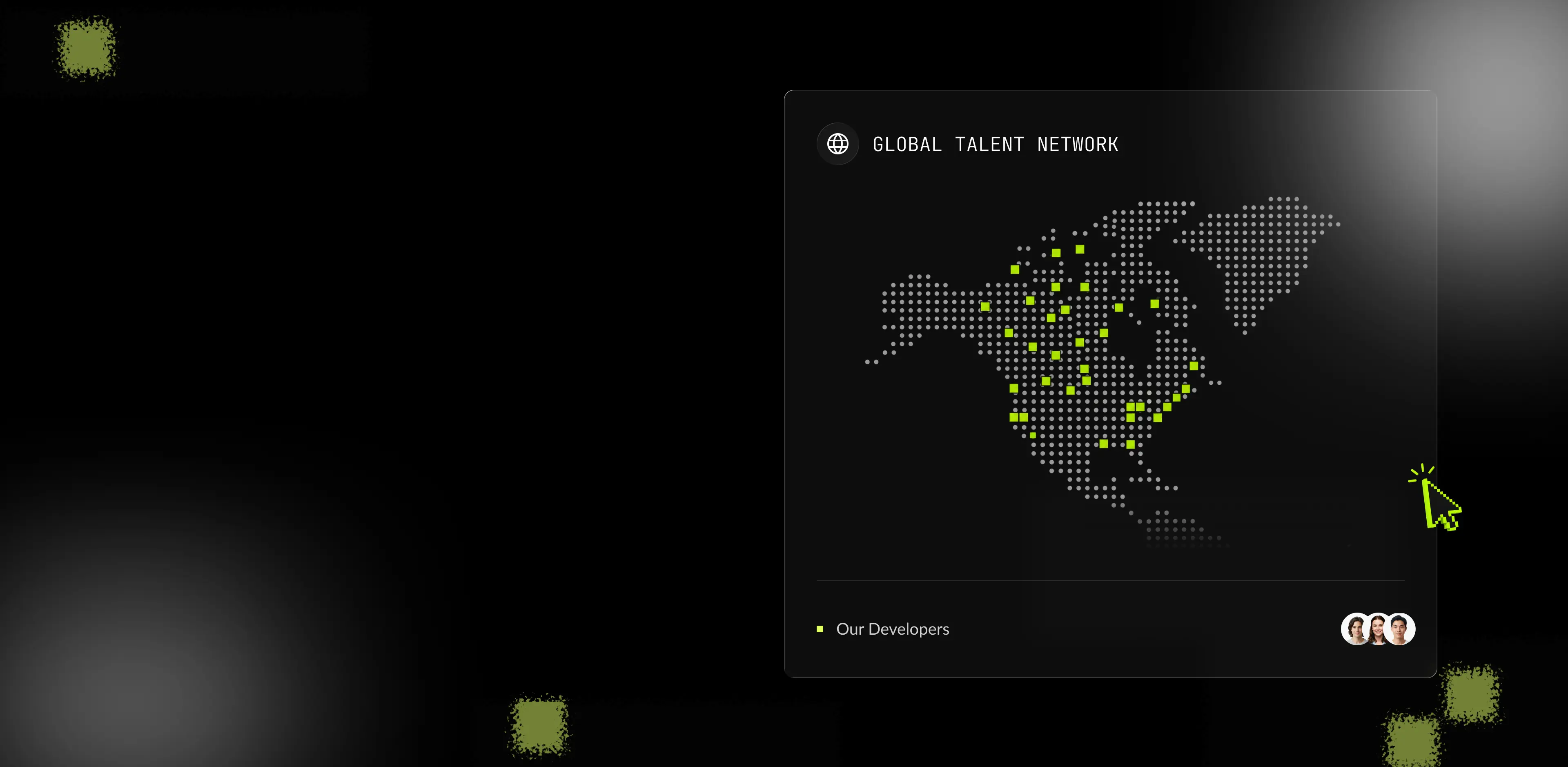
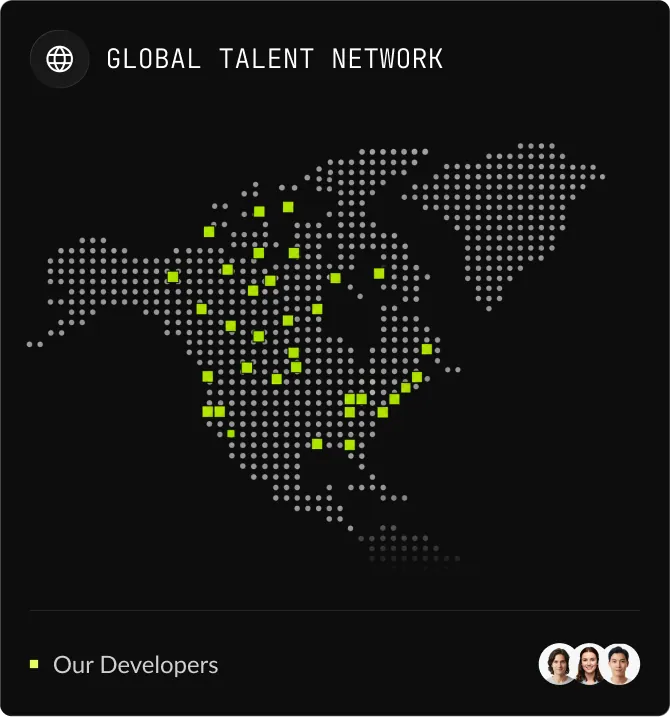
SoftDoes focuses exclusively on North American time zones to ensure meaningful overlap with US and Canadian teams. During the hiring process, we confirm each candidate's availability and preferred working hours, targeting at least four to six hours of daily overlap for collaboration, reviews, and feedback. For remote hires, we also establish communication norms, shared working hours, and documentation practices that reduce asynchronous friction. This matters especially for teams that need rapid iteration on social media posts, campaign assets, or client facing presentations where delays cost real money.
How does SoftDoes technically vet a Canva Designer?
Our vetting process has five layers. First, a deep portfolio review that evaluates process, diversity of media, and brand alignment, not just visual polish. Second, a practical design test using a realistic brief and a timed task that mirrors actual project conditions. Third, evaluation of software and tool proficiency across Canva's advanced features including Brand Kits, animation, vector export, and video capabilities where needed. Fourth, a soft skills interview covering feedback handling, communication clarity, and collaboration style. Fifth, reference and past work verification. For senior candidates, we also assess leadership around design systems, template library management, and the ability to mentor junior creators. Canva designers should understand basic design principles and have an eye for aesthetics, but we go further by testing whether they can apply those principles under real constraints and deadlines. We also look at candidates from our broader [talent network](/talent) who may bring complementary skills in areas like illustration or motion design.
What happens if the Canva Designer isn't the right fit, or I need to scale up or down?
SoftDoes provides replacement guarantees for hires that underperform or prove to be a mismatch. If the designer is not working out, we initiate a replacement process immediately rather than leaving you to restart your search from scratch. Scaling up to a pod or adding specialties like video or motion is possible as your needs grow. If you need to scale down, our engagement models allow for contract or part time reduction without penalties. We also manage transitional handovers so that knowledge, templates, brand assets, and institutional context stay consistent and are never lost during a transition. The goal is that you never feel locked in or stuck, regardless of how your design demand changes over time.
How to Hire a Canva Designer


Hiring someone simply because they "know Canva" often leads to inconsistent branding, slow turnaround, and a bottleneck the moment you need anything beyond a basic social media post. The right Canva designer delivers brand compliant visual assets at speed, scales your content production, and reduces your dependency on expensive agencies. This guide walks you through what the role actually involves, how to prepare internally, how to source and vet candidates, what red flags to watch for, and how SoftDoes can accelerate the entire process as your talent delivery partner.
What a Canva Designer Does and Why the Role Matters
What a Canva Design Specialist Actually Does Day to Day
A Canva designer is not just "someone who drags and drops templates." A true professional designer in this role specializes in producing high quality visual content using Canva's platform, often paired with Brand Kits, custom templates, and AI powered tools, to serve marketing, sales, internal communications, and product teams. Canva designers create graphics for social media, presentations, and marketing collateral, but the scope goes well beyond that.
Core daily tasks and skills include:
- Producing brand compliant designs at scale across formats like social media posts, ads, email headers, presentation decks, infographics, banners, flyers, and posters, ensuring consistent layout, typography, and color with your brand system.
- Building and maintaining template libraries using Canva Brand Kits or equivalent tools, version controlling templates, and ensuring proper export formats for both print and digital use.
- Applying core design principles such as typography, visual hierarchy, color theory, layout, and contrast. A true Canva expert understands these fundamentals, not just the platform's interface.
- Collaborating with cross functional teams including content writers, marketers, and product managers to interpret briefs, adjust assets, prototype mockups, and iterate based on feedback.
- Leveraging Canva's advanced feature set including Magic Media, animation tools, live data connectors, and accessibility tools to check typography, color contrast, and alt text, while staying current as the platform evolves.
- Bridging to higher fidelity tools when needed, liaising with graphic designers or web designers using Figma, Adobe, or other software when projects require custom vector work, motion graphics, or complex print production.
Canva designers can produce graphics quickly and affordably, which is precisely why the role has become essential for teams that need to ship visual content at high volume without sacrificing quality.
Why This Hire Is a Strategic Priority, Not a Nice to Have
Hiring the right Canva designer has a direct impact on business outcomes. Here are four concrete reasons this role deserves executive attention:
- Faster time to market for campaigns and communications. Canva designers produce polished visuals that align with brand identity in a fraction of the time traditional design workflows require. Teams commonly report that tasks which once consumed an entire day now take 30 to 60 minutes. That velocity compounds across every campaign, product launch, and sales enablement cycle.
- Meaningful cost reduction. By bringing design production in house, you reduce external agency fees, decrease tool overlap, and streamline content workflows. Professional Canva designers create graphics quickly and affordably, letting you redirect budget toward strategy instead of production.
- Stronger brand consistency and customer trust. Visual consistency builds credibility with customers and prospects. A dedicated designer who enforces brand guidelines across every touchpoint, from social media graphics to investor presentations to internal documents, eliminates the fragmented, "stock looking" feel that erodes trust.
- Scalable growth without team fragmentation. As every department from HR to sales to product marketing needs brand aligned visuals, having one specialist (or a small team) who owns the visual system reduces redundant effort and tool fatigue. Companies with strong visual communication practices report sharper differentiation and clearer messaging across the board.
How to Prepare Before Opening the Role
Clarifying Your Internal Requirements First
Before you write a single line of a job description, get your own house in order. Skipping this step is the most common reason companies end up with the wrong hire.
Project Scope and Requirements
Start by listing every type of asset your team needs: social media posts, presentations, print materials, ads, flyers, logos, icons, infographics, banners, posters, or video content. Quantify the volume. Is this a weekly content calendar with dozens of deliverables, or a series of one off projects? It is important to define the specific deliverables needed from a Canva designer before you begin recruiting.
Clarify quality expectations. Do you need motion or video, or is the work primarily static graphics? Are there print specs, accessibility requirements, or localization needs for multiple markets? Do you manage multiple brands or subbrands? The answers shape whether you need a mid level generalist or a senior design content specialist with depth in specific formats.
Team Structure and Engagement Model
Decide where the Canva designer sits in your organization. Do they report to marketing, to a design lead, or directly to a product or brand team? Define collaboration norms: who writes the brief, who approves, who gives feedback. Will this person interface with content creators, marketing ops, UX designers, or illustrators?
These decisions matter because a designer embedded in a well defined workflow produces dramatically better output than one floating between departments with no clear lead.
In House vs. Dedicated Remote Talent
Weigh the tradeoffs honestly. In house hires offer proximity and deep context. Dedicated remote talent opens access to a broader supply of skilled candidates, often at lower cost, but requires more deliberate onboarding, communication tooling, and documented processes. Freelance Canva designers offer flexible engagement models for projects, but can introduce inconsistency if not managed well. Nearshore or offshore options reduce budget pressure but may introduce friction around time zones and cultural alignment.
Writing a Job Description That Attracts the Best Canva Designers
A strong job description covers four elements. Most postings fail because they skip at least two of them.
- The mission. Why does this hire exist? What business problem will they solve? For example: "to eliminate our creative agency backlog, ensure brand consistency across all visual assets, and produce content at scale to support product marketing." This signals to candidates that the role has real impact, not just task execution.
- Stack and context. Be specific about tools and processes. Mention Canva explicitly, including Brand Kits, custom templates, AI features, and collaboration tools. If you also need familiarity with Adobe, Figma, or video editing platforms, say so. Include expectations around version control, file formats, and integration with other systems.
- Team structure. Describe who they report to, how they collaborate with content and marketing teams, whether they manage junior team members, and which stakeholders they coordinate with. Candidates with previous experience in similar structures will self select.
- Growth and impact. Outline what the role can become. Ownership of the template system? Contributing to a brand refresh? Expanding into motion or video? Exposure to emerging visual tools? The best candidates want to grow, and showing a path keeps them engaged long term.
Also include the level of seniority you need, required design experience (portfolio diversity, types of media, relevant industry exposure), whether the role is remote or on site, expected workload, and compensation range if your local transparency laws require it.

Let’s Turn Your Idea into Scalable Software
Book a call with the representative to get answers to all the questions you may have.
Sourcing, Evaluating, and Ramping Your New Designer
How to Find and Properly Vet Canva Design Talent
Sourcing Strategy
You have two broad approaches: outbound recruiting, where you actively search for candidates, and vetted talent networks, where a partner handles sourcing and initial screening.
For outbound, use platforms where portfolios are visible. Freelance marketplaces like Upwork and Fiverr are popular for hiring designers. Fiverr offers a range of Canva designers for hire, and Upwork features numerous skilled Canva designers available for freelance work. Toptal matches clients with Canva designers in under 24 hours. ManyPixels provides unlimited design requests for a flat monthly rate. Beyond marketplaces, design communities on Dribbble and Behance surface candidates with strong portfolios. The Canva Creators program allows designers to showcase their work globally, making it another useful sourcing channel. Canva offers three types of creators: Template, Element, and Education Specialty. Template Creators design customizable templates for various document types, and a strong design portfolio is required to become a Canva Creator.
Internal referrals remain one of the highest signal sources. If a member of your team has worked with a talented designer before, that referral is worth more than a hundred marketplace profiles.
Vetted networks save significant time and reduce risk. Instead of sifting through hundreds of profiles yourself, you hand the screening to a partner who has already evaluated technical skills, communication ability, and reliability.
Vetting Beyond the Resume
Resumes tell you what someone claims. Vetting tells you what they can actually do.
- Portfolio review. Evaluate diversity of formats and look for process, not just polish. Portfolios should showcase original designs instead of standard template copies. Can the candidate show how a brief was handled, what constraints existed, and what changed through revisions? Look for work relevant to your needs, whether that is social media graphics, data visualization, print, or presentations.
- Practical test. Give candidates a realistic brief that simulates your daily work. For example, ask them to produce a social media ad and adapt it into two other sizes, or redesign a slide deck. Paid test projects can assess a candidate's design capabilities and feedback handling skills. Keep tests to one or two hours for mid and senior roles. Canva designer candidates should be evaluated on their adaptability to create variations while maintaining core concepts.
- Technical screening. Assess ability in Canva's advanced features: templates, Brand Kits, style consistency, animation, and custom template building. Canva Pro features advanced tools like animation and custom template building that a professional designer should know. Also evaluate understanding of export formats, resolution requirements, and the difference between print and digital output. Successful Canva designers master features specific to the platform such as Brand Kits.
- Analytical and problem solving interview. It is valuable to ask candidates how they approach new design briefs and feedback. How do they handle vague requirements? How do they prioritize under high volume and tight deadlines? What do they do when stakeholder feedback contradicts the brand guidelines?
- Culture fit. Assess communication style, responsiveness, openness to feedback, and the ability to collaborate with non designers. A designer who gets defensive about revisions or cannot explain their design decisions will slow your team down.
Setting Your New Hire Up for Success in the First 90 Days
A structured onboarding plan is the difference between a designer who delivers value in week two and one who is still asking basic questions in month three.
- Before day one. Supply brand guidelines, existing templates, access to all tools and platforms, and an overview of current visual content assets. Assign a buddy or mentor. Introduce them to the team async so they are not starting cold.
- First week. Brief them on company mission, visual identity, and past design work. Get all accounts and access sorted. Assign small, supervised tasks so they can learn the workflow without pressure. Design briefs help clarify project requirements for Canva designers, so use them from day one.
- Days 30 to 60. Increase responsibility with mid level tasks and cross team projects. Establish feedback loops. Measure milestones: number of deliverables, consistency with brand, turnaround speed. Use regular check ins to identify gaps early. Customizing existing templates rather than starting from scratch can still be efficient in design, so encourage the designer to leverage Canva's library of templates and design elements to accelerate output.
- Days 61 to 90. The designer should have full autonomy on standard tasks and begin leading some visual projects independently. Expect them to propose improvements to the template system, establish clear decision rights, and settle in as a core contributor. Review performance against expectations and adjust the role scope as needed.
- Ongoing retention. Give the designer access to learning opportunities (new Canva features, motion, video, retouching techniques), meaningful projects, the ability to see the impact of their work, and a clear growth path. Hiring Canva designers saves time on graphic creation, but only if you keep the good ones.
How to Spot the Right (and Wrong) Candidate
Warning Signs and Positive Signals During the Hiring Process
Red flags to watch for:
- No process visibility. The portfolio consists only of final outputs with no context about briefs, constraints, or revisions. You cannot judge thinking or adaptability from a gallery of polished images alone.
- Generic, template heavy work. Overuse of stock elements with weak visual hierarchy, inconsistent typography, or designs that feel interchangeable across brands. Evaluating Canva designers requires reviewing their mastery of visual hierarchy and brand consistency, and this is where many candidates fall short.
- Poor communication under pressure. Inability to explain design decisions, defensiveness when receiving feedback, or consistently unrealistic timelines. These patterns only get worse after the interview.
- Weak technical depth. Bad export file formats, low resolution output, no understanding of the difference between print and digital media, or inability to work with Canva Brand Kit features. A designer who cannot handle these basics will create rework, not efficiency.
Green flags that signal senior level capability:
- Clear design process. The candidate walks you through how a brief was handled, what iterations looked like, what changed based on feedback, and why. This signals adaptability and creativity, not just execution.
- Strong visual fundamentals. Good use of typography, color, composition, and layout. A true Canva expert understands core design principles like typography and visual hierarchy, and this shows up in every piece they produce.
- Versatility across formats. The candidate handles social media graphics, presentations, infographics, illustrations, and ideally video or motion with equal comfort. They can work across different brands and styles without losing quality.
- Proactive collaboration. They ask clarifying questions before starting, take feedback constructively, communicate clearly (both visually and verbally), and deliver reliably with attention to the small but brand critical details that matter.
How SoftDoes Removes the Risk from Your Hiring Process
SoftDoes is a North America focused software engineering and talent delivery partner that takes the guesswork out of hiring Canva designers. Here is what that means in practice:
- Pre vetted senior talent pool. Every candidate in our network has already been screened for design fundamentals, Canva proficiency, communication skills, and professional reliability. You skip the resume pile and go straight to qualified introductions.
- Team delivery model, not isolated freelancers. When demand or complexity grows, whether you need video, motion, or brand system updates, SoftDoes can scale with a multi person pod. This is fundamentally different from hiring a single freelancer and hoping they can handle everything. If you need broader product design services, we can extend your team accordingly.
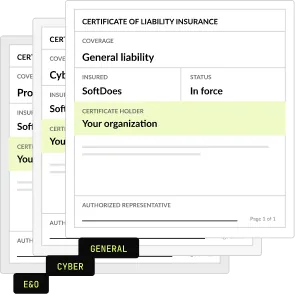
- Replacement and scaling guarantees. If the designer is not the right match, you have fallback options immediately. No re posting, no re interviewing, no lost momentum.
- Flexible engagement models. From a single specialist to a complete design pod, contract or dedicated hire, you only pay for what you need. Whether you are a small company with a tight budget or an enterprise scaling content across markets, we match the model to the demand.
- North American time zone alignment. Our focus on US and Canadian time zones means real time collaboration, not 24 hour feedback loops. This matters for fast moving marketing teams and regulated industries like healthcare where compliance reviews happen on tight schedules.
Take the Next Step Toward Your Ideal Canva Designer
If your team is spending too much time on design bottlenecks, struggling with inconsistent branding, or burning budget on agencies for work that should be handled in house, it is time to hire a dedicated Canva designer.
Schedule a discovery call with SoftDoes. We will map your requirements, benchmark costs, and introduce you to vetted candidates who can start delivering within weeks, not months. No commitment required, just a clear path from hiring frustration to design velocity.