
U.S.-Based
Legal Case & Matter Management Software Development
Legal case and matter management software development by SoftDoes: custom platforms with deadline control, conflict checks and secure portals.

Let's build together.
Talk with a senior engineer about your product idea, architecture, and what it would take to build it.
90+
Active Client Partnerships
80+ Person
Product & Engineering Team
100%
Your Code & IP Ownership
U.S.-Led
Delivery & Accountability
We understand the challenges you're facing
Client confidentiality and conflicts are non-negotiable for us. How do we make sure the software never becomes the weak point?
Client intake and conflict checks are critical processes in matter management. SoftDoes builds conflict checking into the intake workflow with fuzzy name matching, alias resolution, and cross-matter history searches. Ethical walls restrict access at the matter level. Encryption protects client data at rest and in transit. Every login, document view, export, and configuration change writes to an audit trail. Security and compliance are essential in legal software design; the platform aligns with the ABA Model Rules of Professional Conduct, UK SRA standards, GDPR for EU personal data, HIPAA where medical records appear in matters, CJIS for criminal justice data, and client requirements modeled on ISO 27001 or SOC 2. Compliance support includes adherence to state bar ethics rules specific to each jurisdiction.
Can a new matter system connect to our document management, email, and billing tools without disrupting active cases?
Legal management platforms require integration capabilities with external systems. SoftDoes uses an API-first architecture to connect with iManage, NetDocuments, SharePoint, Microsoft 365, Google Workspace, Clio, Aderant, Elite 3E, Intapp, PACER, state e-filing systems, and DocuSign. Legal software should support integrations with existing tools like email and document management; Outlook and Gmail add-ins let users file emails to matters in one click. Migration runs old and new systems in parallel: open and closed matters, contacts, documents, and deadlines transfer in rehearsed batches, with attorneys validating migrated deadlines before cutover. Active matters and court deadlines never pause for a software project.
Why do our lawyers avoid the matter system and keep their own spreadsheets?
Successful legal software should focus on user experience and usability. Understanding user needs is critical for developing effective legal software. SoftDoes runs UX research sessions with partners, associates, paralegals, docketing staff, legal operations, and business clients before designing a single screen. The result: a lawyer dashboard showing today's deadlines and priorities, practice-area workflows for litigation, transactional deals, immigration, personal injury lawyers, and employment matters, a docketing workbench, legal ops dashboards for workload and spend, and self-service request portals for business teams. Fast matter search, one-click email and document capture, automated task checklists by matter type, and mobile access for court days keep lawyers inside the system instead of building workarounds.
If we add new practice areas or client requirements next year, are we stuck rebuilding our matter system again?
Legal software development often requires modular architectures for scalability. SoftDoes builds platforms where matter types, workflows, fields, deadline rules, templates, and reports are configuration, not code changes. Effective software should be adaptable to specific legal workflows and practices. Versioned APIs and feature toggles let teams add new practice groups, jurisdictions, client portals, AI features, and integrations without touching the core system. SoftDoes produces technical documentation and trains internal super-users so your legal operations team can adjust rules and templates without filing a vendor ticket for every change.
You handle the matters. We engineer the platform behind them.

Custom case and matter management platforms
Tailored systems for law firms and legal departments, built around your practice areas and reporting needs instead of a one-size-fits-all practice management tool. Modules include intake and conflict checks, matter workspaces, contacts and parties, calendaring and court-rules deadlines, tasks and checklists, document management, email capture, time and expense tracking, client portals, and reporting.
Rules-based deadline calculation with reminders and escalations, synced to Outlook and Google calendars.
Practice-area workflow templates that create tasks automatically when a new matter opens.
Secure client and business-requester portals with matter status visibility and document sharing.

Legal data integration and matter analytics
SoftDoes connects matter data with document management systems, email, billing, e-billing, court dockets, and finance systems into one reporting layer. Reporting and analytics features help legal teams track performance and workload. Reporting tools provide real-time insights into case status and performance.
Portfolio dashboards for general counsel and partners, with insights tailored for different roles within legal teams.
Workload and capacity views by team, lawyer, and practice group.
Matter outcome and cycle-time analytics by practice area, with budget versus actual spend tracking.

AI enhanced matter workflows
AI-powered features designed for legal case management: summarizing matter history and new filings, extracting key dates and parties from legal documents, triaging and routing legal requests, suggesting similar past matters, and drafting status updates. Automated workflows reduce manual oversight and improve efficiency. Every AI feature deploys with strict confidentiality controls: private model instances or zero-retention terms, answers grounded in the matter's own documents, and lawyers reviewing every output.
Natural language matter summaries and status reports.
Predictive risk and deadline alerts based on matter history and workload.
Smart suggestions for next steps, similar matters, and responsible lawyers.
Numbers Don’t Lie
Recent projects showcasing how we design, engineer, and deliver production-ready software solutions.

- Startup
- Real Estate
Our Haus AI
A finance professional turned founder built Our Haus AI, an AI-powered collaborative workspace where homeowners and contractors scope, bid, contract, and document renovation projects together. SoftDoes took her prototype and made it production-ready.- 10XMVP scope delivered
- 2+years Ongoing partnership
- 1Fully owned Platform

- Finance
- Energy
Deepwater Insights
Deepwater Insights delivers proprietary alternative data and niche research on the offshore drilling and energy sector to institutional investors, family offices, and high-net-worth individuals who require coverage that larger firms don't provide.- 100%Brand Continuity
- 2Platform Distribution
- 100%Paywall-Ready Content

- Real Estate
The building buyer
The Building Buyer is a Florida-based real estate investment firm co-founded by Dylan Troiano and Charles Hanlin. They acquire single-family, multifamily, and commercial properties across South Florida and beyond, with a focus on motivated seller opportunities.- 18Weekly hours saved
- 2+Years Ongoing partnership
- 1Fully owned Platform

- Education
- Non-Profit
WOVEN & NICE
Woven is a Spring Valley, NY nonprofit running the NICE program (New Training Inclusive Community Environment) in four Rockland County schools. Their team supports students through restorative practices, mediation, and professional development for teachers and administrators.- 4Schools Served
- 4Weeks to Launch
- 1STTime on Upwork

- Healthcare
CareInTouch
CareInTouch is a Bay Area home health agency providing skilled nursing and therapy services to patients referred from hospitals and clinics. With over 100 staff, they operate in one of the most complex and compliance-driven healthcare markets in the country.- 40% Reduction In Billing Errors
- 100+Staff Operations Managed
- 0Missed Compliance Deadlines

- Startup
Sparkle The Cleaning Service
Sparkle The Cleaning Service is a Detroit-area residential cleaning company with 10 years in business, connecting homeowners with vetted, insured independent cleaners through a subscription-based marketplace platform.- 75% Platform Transparency
- 2XPlatform Growth
- 40%Higher User Retention

- Startup
DineMate
DineMate is a Maryland-based dating and connecting platform built around verified profiles, restaurant reservations, and prepaid dining experiences. Founded to bring back authenticity to how people meet and connect.- 60% Time Saved
- 99%System Reliability
- 40%Higher User Retention

- Healthcare
Prior Authorization AI
Prior Authorization AI is a healthcare automation startup building AI-powered tools to streamline prior authorization for Medicare and Medicaid medical transportation providers in New Jersey.- 16Weekly hours saved
- 63%Admin time reduced
- 43%Fewer submission errors

- Education
Grand Central Language Services
Grand Central Language Services provides translation and interpretation for organizations operating in complex, multilingual environments. As demand grew, internal workflows became harder to manage. SoftDoes built a custom platform to streamline coordination, improve visibility, and support scalable operations.- 72%Workflow Reduction
- 48%Coordination Reduction
- 83%Visibility Increase

- Healthcare
FMY Orthodontics
FMY Orthodontics, a multi-location practice in West Tennessee, partnered with SoftDoes to replace a spreadsheet-based financial workflow with a custom web platform. The goal was to simplify how staff present treatment financing while allowing patients and families to review and complete decisions remotely.- 60%Workflow Reduction
- 75%Remote Adoption
- 5Locations Aligned

Forbidden Alchemy
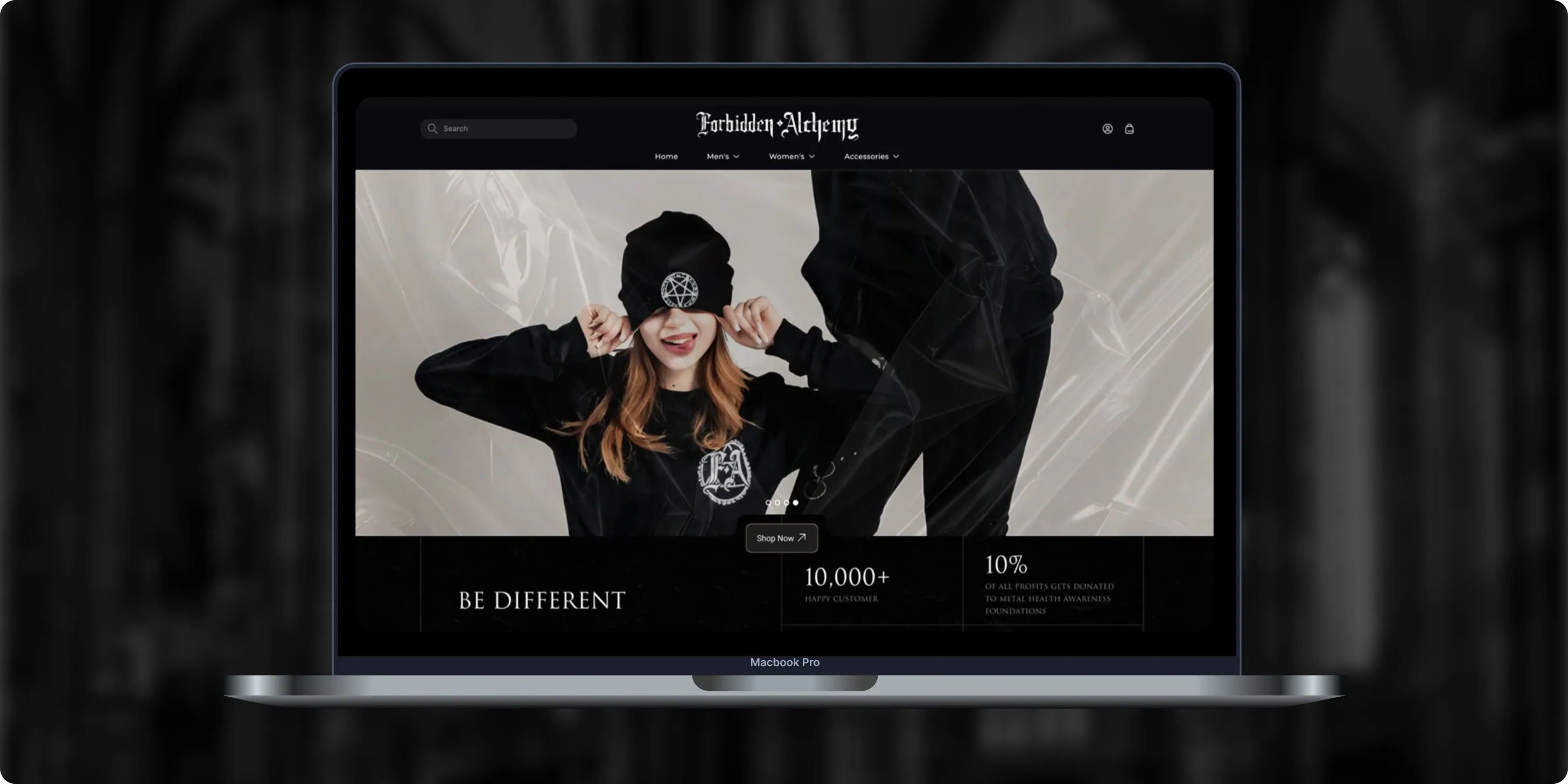
Forbidden Alchemy is an alternative fashion brand creating dark, provocative clothing for the metalhead community, with 10% of profits donated to mental health awareness. Its mostly mobile audience struggled with a store that was hard to navigate and weak on functionality.- +44%Revenue Month Over Month
- 86%Design Satisfaction
- 2.8XUser Retention Growth
Altera
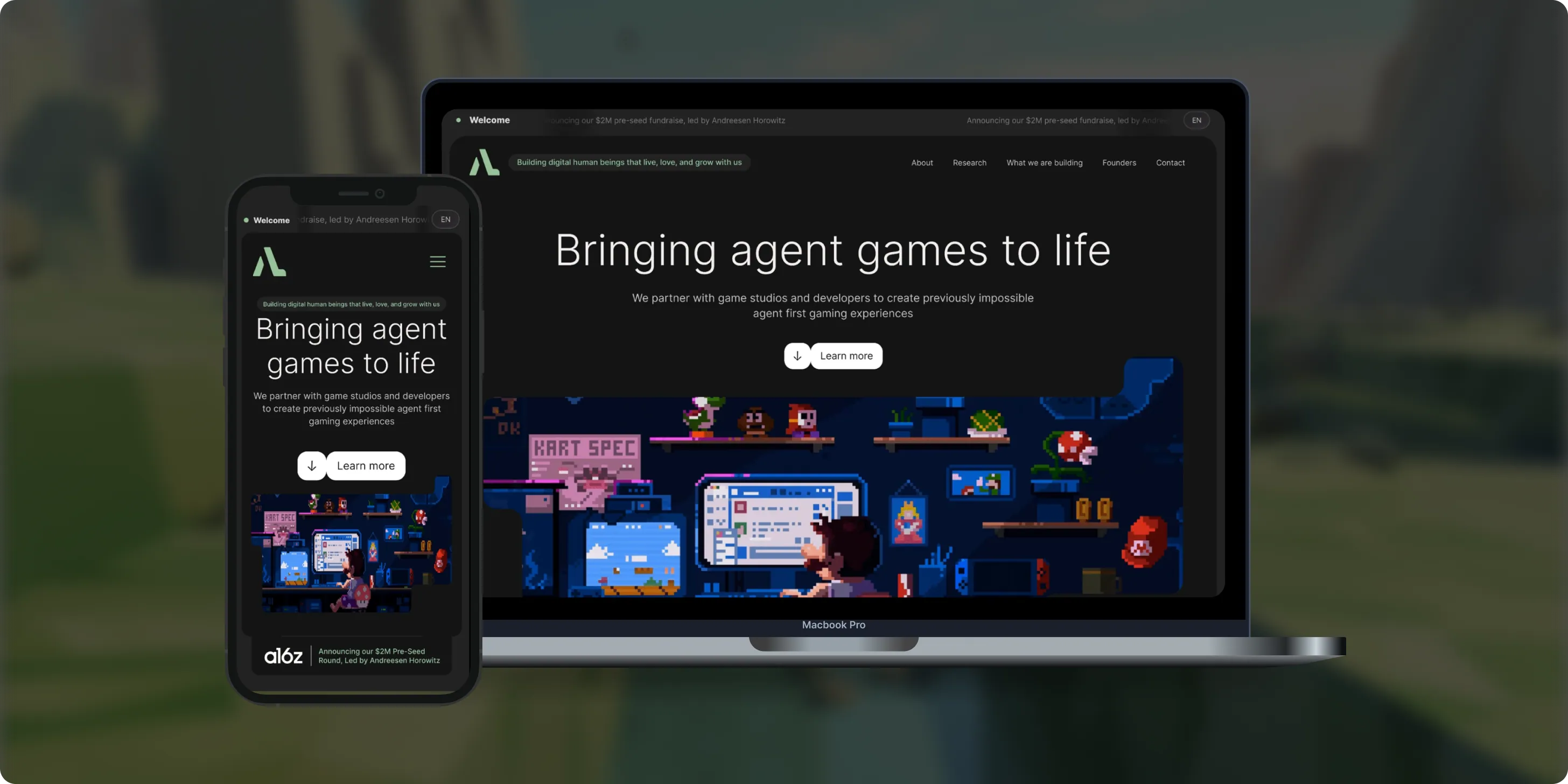
Altera builds on decades of computational neuroscience research to create digital human beings for gaming. Backed by a $2M pre-seed round led by Andreessen Horowitz, the team needed a landing page that could explain complex agent technology to players, partners, and investors.- 98%Dynamic Customization
- 100%Streamlined Navigation
- $2MPre-Seed Round
- Real Estate
Brizacorp
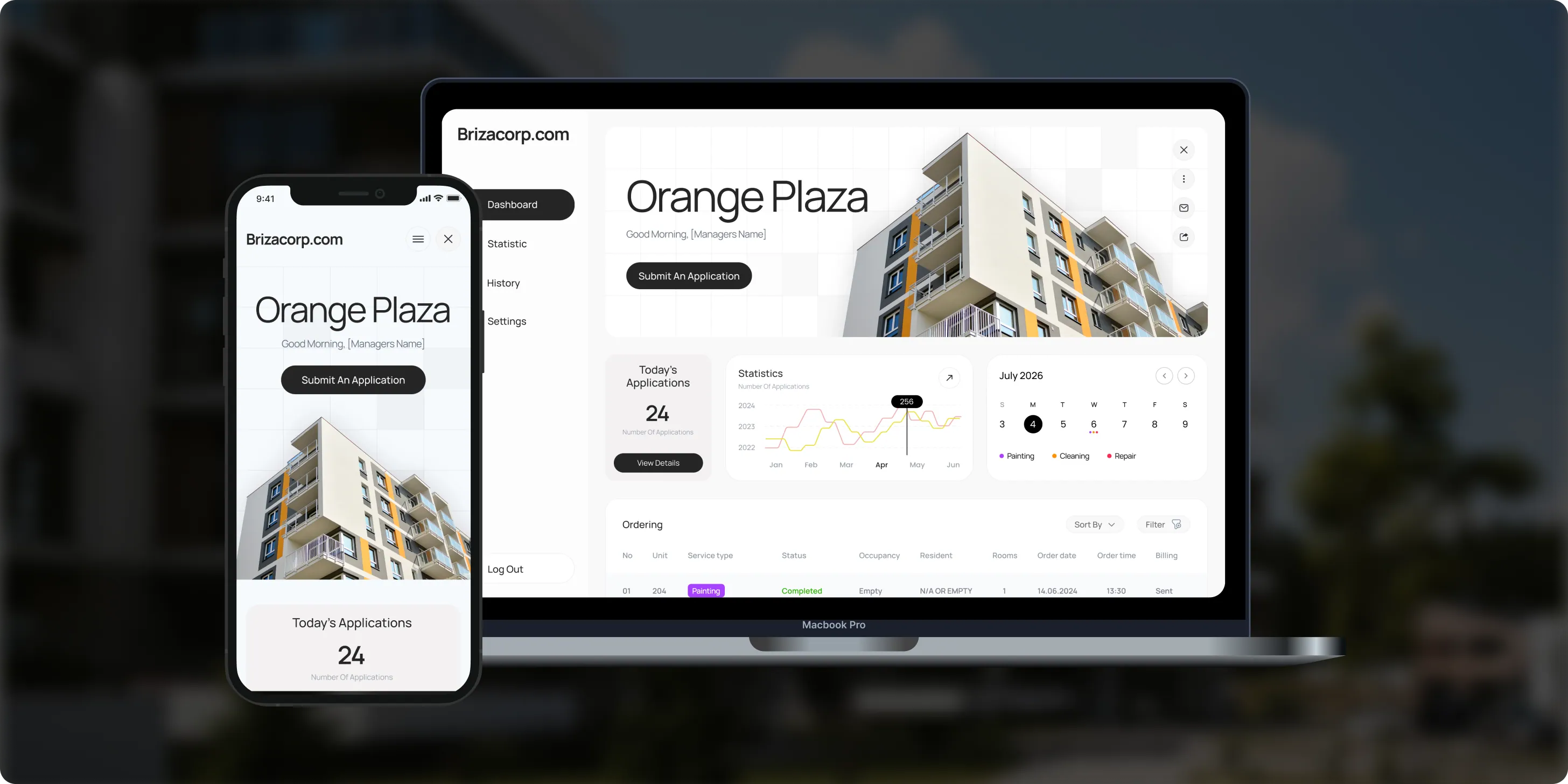
Brizacorp manages residential properties and coordinates the staff who handle painting, cleaning, and repair requests. Its team tracked work across messengers, phone calls, e-mail, and paper planners, with no single place to manage requests or measure performance.- 98%Application Stability
- 95%Utilization Rate
- 30%Faster Task Completion
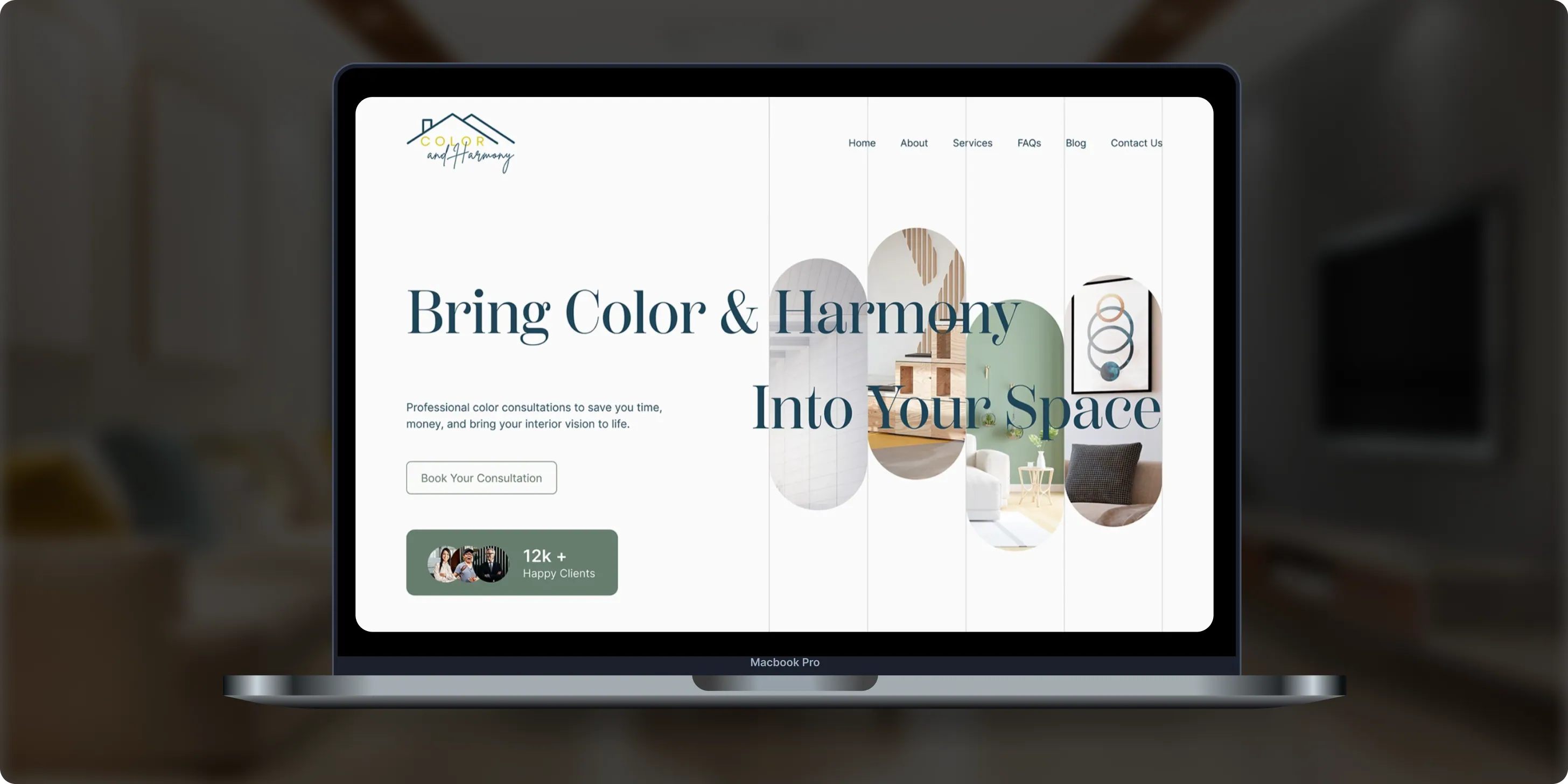
Color & Harmony
Color & Harmony is a Kentucky-based color consulting studio led by certified color strategist Diana Cartaya. The studio needed a website that reflects its refined aesthetic, showcases its portfolio, and explains a science-based color process in simple language.- 45%Conversion Rate Increase
- 50%Higher User Engagement
- 2Months to Launch
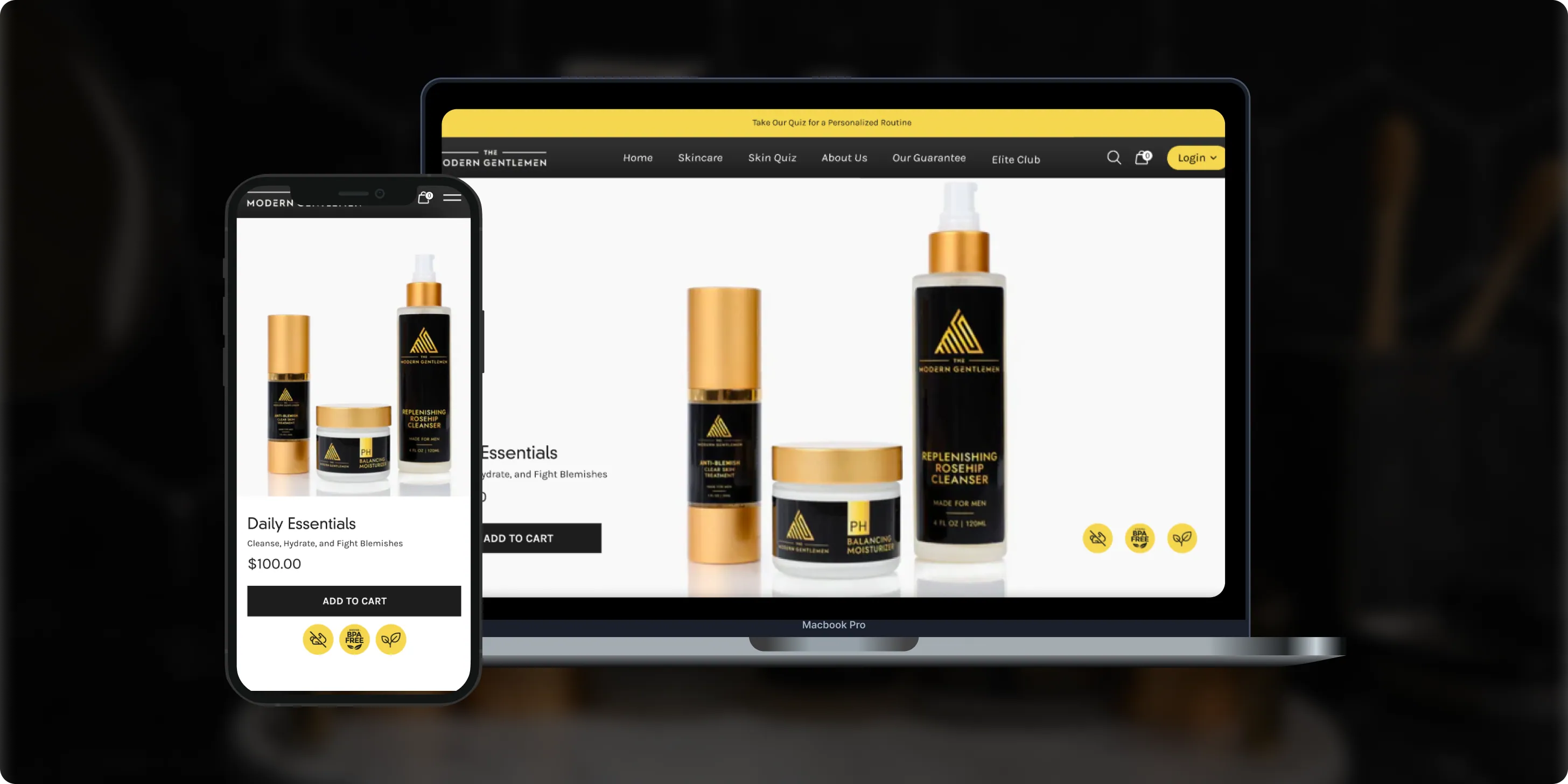
The Modern Gentlemen
The Modern Gentlemen sells premium men's skincare featured in Men's Health, GQ, and Men's Journal. Its customers wanted an efficient routine, but generic product suggestions and limited skincare knowledge made choosing the right products hard.- 30%Increase in Conversions
- 25%Higher Customer Retention
- 92%Mobile Purchases
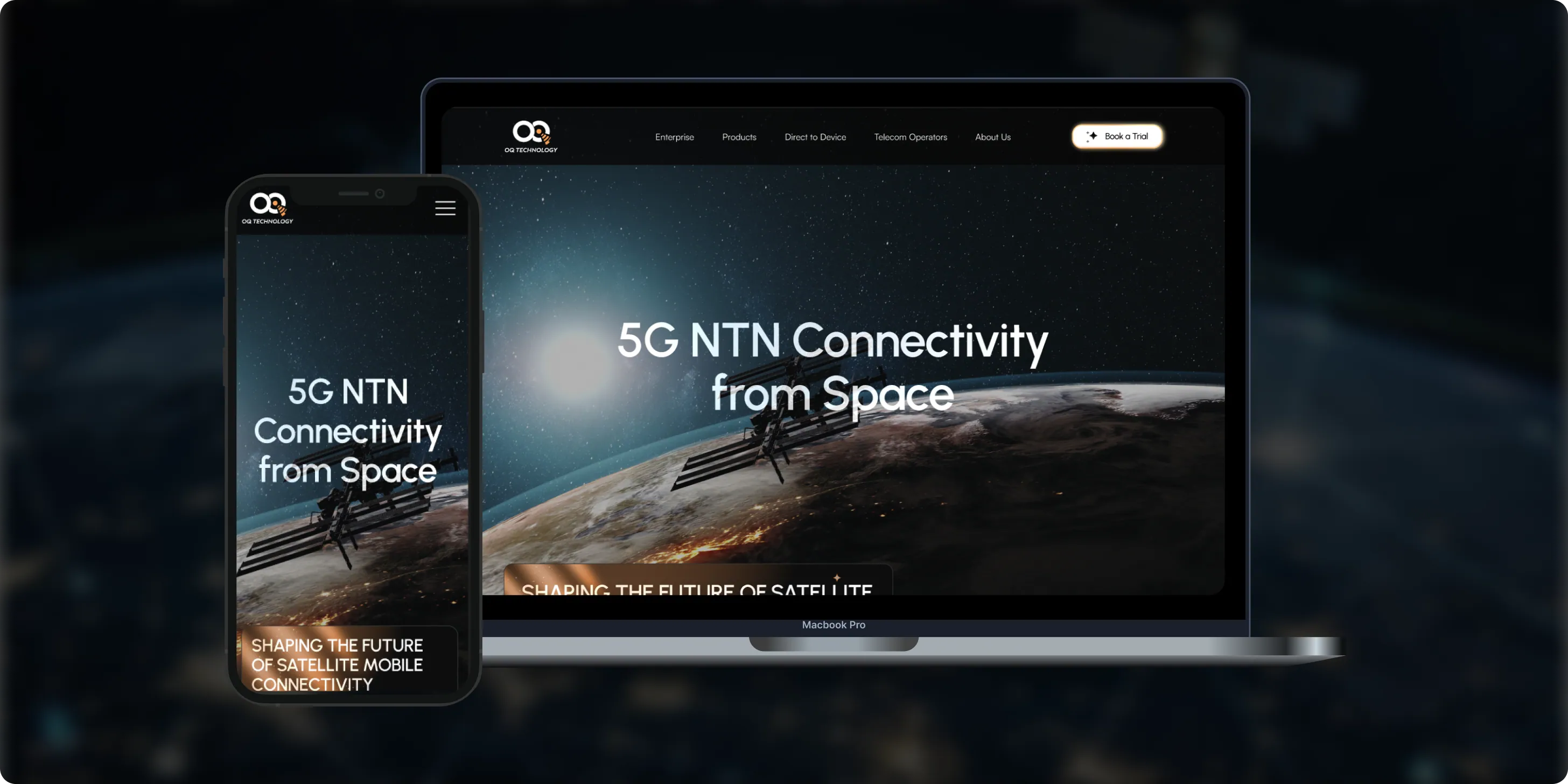
OQ Technology
OQ Technology connects IoT devices, machines, and people anywhere on the planet through its satellite network, serving energy, maritime, logistics, agriculture, and mobile operators. Its website made it hard to explore products and reach pricing plans.- 4Pricing Plans Clarified
- 3Dedicated User Flows
- 1Unified Platform
- Real Estate
- Finance
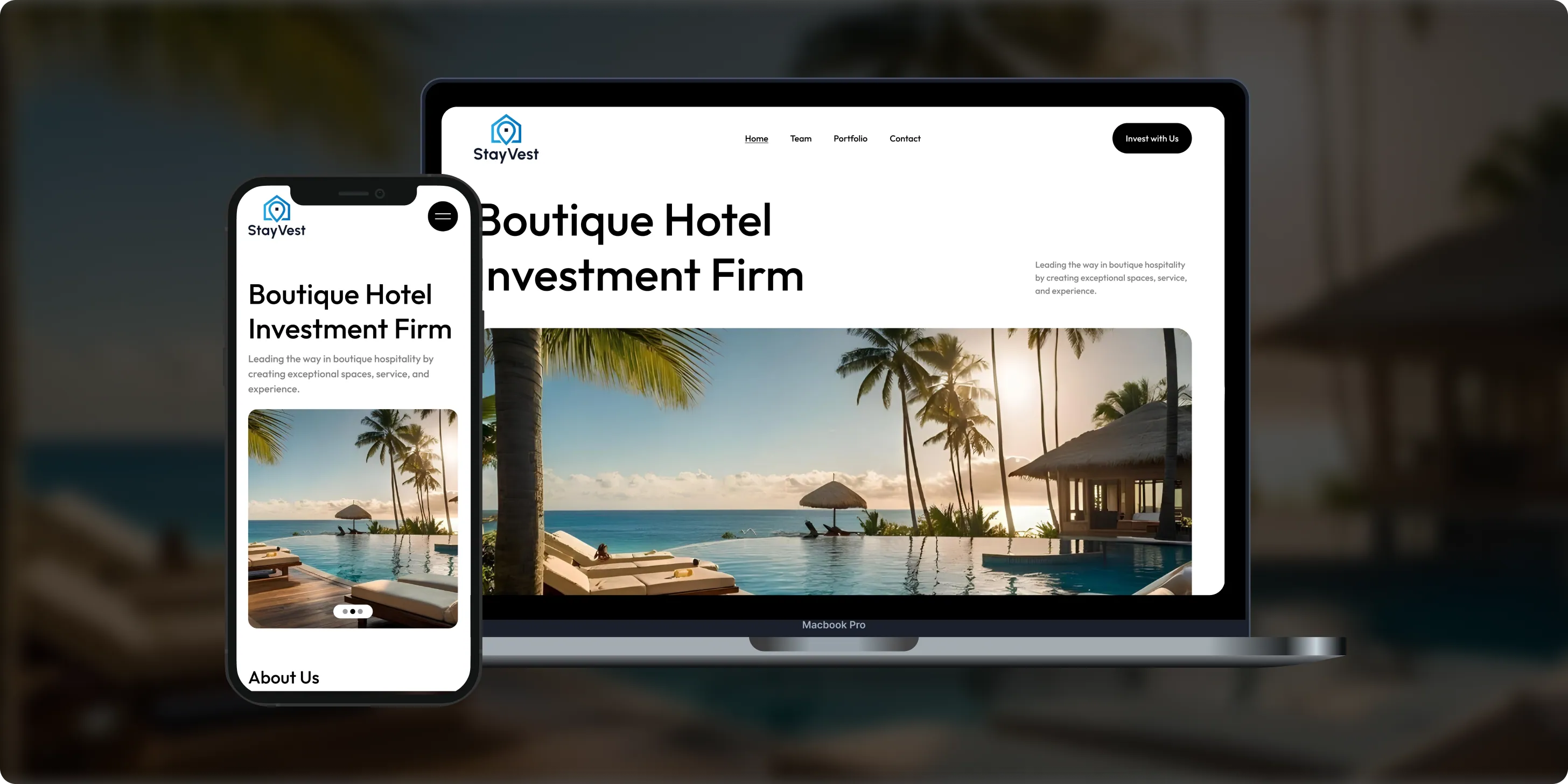
Stay Vest
Stay Vest is a private real estate investment firm that acquires, renovates, and operates boutique hotels for cash flow, tax benefits, and equity gain. It needed a platform that explains its strategy and earns the trust of passive investors.- 1,500+Guest Stays
- 200+Rooms Managed
- 5States Covered
Bokeyno Motorsports
Bokeyno Motorsports is the leading mobile installer of vertical doors for high-performance cars. This Shopify website isn’t just about services—it’s a bold statement of power, style, and expertise. With a sharp layout, strong visuals, and real-world case studies, the site delivers all the information car enthusiasts need to book confidently and instantly.- 54%Booking Requests
- 43%Lead Conversion
- 32%Qualified Inquiries

ai document processing platform
A comprehensive talent solution designed to help companies attract, hire, and retain top talent more effectively. The platform combines AI-powered recruitment technology with employee financial wellbeing programs, enabling smarter hiring decisions while supporting employees’ financial stability and long-term engagement.- 62%Faster Processing Time
- 78%Less Manual Work
- 35%Improved Accuracy

WHAT CLIENTS SAY
Independently verified reviews from real clients on Clutch.co


Client Story
Real feedback from
FMY Orthodontics

“Their perseverance and solution-oriented mindset. SoftDoes consistently found ways to make things work, added features we had not originally envisioned, and never became frustrated. It felt like working with a true partner who cared about the success of our practice.”
Dan Merwin
DDS, MS -- President, FMY Orthodontics

Client Story
Real feedback from
Prior Authorization AI
“Every time I sent a request, if there was anything that didn't work, they were able to turn it around quickly. Even when there were no updates yet, they always reached out to let me know they were working on it.”
Joseph Oluwo
Founder of Prior Authorization AI


Client Story
Real feedback from
WOVEN
“What stood out most was their commitment to understanding our needs before presenting solutions.”
Danna Pastran
Administrative Operations Manager, WOVEN

Client Story
Real feedback from
Grand Central Language Services
“The site performs as intended and provides the foundation for our company's digital presence.”
Joe Goldstein
QA Manager, Grand Central Language Services


Client Story
Real feedback from
DineMate
“They go above and beyond.”
Eric Snead
CEO, DineMate "Dating Connecting Platform"
Why they Choose SoftDoes
- 01SENIOR ENGINEERS, NOT LAYERS
Projects are led by senior engineers and architects who have shipped secure, document-heavy systems for professional services and regulated industries. They read practice workflows, court rules, conflict and confidentiality policies, and client security questionnaires, then translate those into practical technical designs. Partners, legal ops leads, and CIOs communicate directly with SoftDoes engineers, eliminating translation errors. Conversations about matter data models, deadline rule engines, ethical walls, document management integration, and email capture happen in the same room, not through layers of project managers.
- 02PREDICTABLE DELIVERY
Phased releases align with practice group priorities: intake and matter workspace first (typically 3-4 months), then deadline engines, portals, and analytics. Written specifications include acceptance criteria tied to real legal workflows, and regular demos use realistic sample matters. SoftDoes manages dependencies with client IT, records and risk teams, and vendors such as document management and billing providers. Legal project management software boosts law firm efficiency by 30%, but only if the system ships on time and lawyers trust it on day one.
- 03BUILT TO LAST PAST LAUNCH
Modular architecture separates clients, matters, parties, events, documents, tasks, and time into discrete services with documented APIs. Logging, monitoring, and integration health checks catch failed email filing, docket feeds, or deadline jobs before they affect active matters. Automated tests cover critical logic: deadline calculation, conflict checks, access rules, and ethical walls. The platform grows with more lawyers, offices, practice areas, and years of matter history without rewrites. Legal project management software reduces administrative overhead by 9% at launch; that number compounds as the system absorbs more practice areas and automation.
- 04NO BABYSITTING REQUIRED
Admin consoles let client teams manage users, roles, matter types, workflows, deadline rules, templates, and reports. Runbooks and training sessions prepare internal super-users and legal operations staff to handle day-to-day configuration. SoftDoes designs systems with clear boundaries so internal IT supports them confidently. Ongoing partnership is optional; dependency for every configuration change is not. Firms that enable law firms to self-manage their platform avoid the bottleneck of waiting on a vendor for every small adjustment.
How we work with your quality team
This is how SoftDoes partners with you from first conversation through long term support.




Experience across law firms, corporate legal departments, and public sector legal teams
SoftDoes builds matter management software where client confidentiality, deadline control, and a complete record of every matter are non-negotiable.
Contract Management
Document Automation
Litigation Support
Legal AI Software
CRM Client Intake
Complex systems, integrations, and internal platforms built to evolve. We step in when off-the-shelf tools stop being enough.
Legal Billing
From first version to real traction without painting yourself into a corner. Built for speed now and hard decisions later.
Compliance Risk
Systems designed around controls, traceability, and change management. Built so audits don’t become fire drills.
Legal Software
Infrastructure software built for long timelines and high stakes. Reliable systems for assets that can’t afford guesswork.


Frequently Asked Questions
Everything you need to know about working with SoftDoes. Can’t find an answer?
How long does custom case management software development take, and what drives the cost?
A focused module (for example, legal request intake and matter tracking for an in house legal team) typically takes 3-6 months. A full platform with deadline engines, document management, time and billing integration, portals, and analytics runs 9-15 months. The main cost drivers are the number of practice areas and jurisdictions, depth of integrations, data migration volume, AI features, and the time needed to align workflows across practice groups.
Should we build custom or use Clio, Filevine, Practice Panther, or another off-the-shelf tool?
Off-the-shelf tools work well for standard workflows and small teams. Custom development pays off when you have unique practice areas, high matter volumes, complex advanced reporting requirements, strict client security demands, or you are building a legal product of your own. A hybrid path is also common: SoftDoes can extend an existing platform with custom modules, integrations, portals, or analytics. Discovery determines which path fits your situation.
Can the system integrate with our document management, email, and billing?
Yes. SoftDoes integrates with iManage, NetDocuments, SharePoint, Outlook, Gmail, Aderant, Elite 3E, Clio, QuickBooks, SAP, and court e-filing services through APIs and add-ins. Sync timing, matter numbering, and error handling are designed so documents, time entries, and billing data always land on the correct matter.
How do you protect client confidentiality and privileged information?
Encryption at rest and in transit, SSO and multi-factor authentication, matter-level permissions and ethical walls, and audit logs of every access. SoftDoes collaborates with client security and risk teams on security questionnaires, threat modeling, and penetration testing, aligned with the ABA Model Rules, GDPR, HIPAA where relevant, and SOC 2 or ISO 27001 frameworks.
Who owns the source code, data, and intellectual property?
Clients retain ownership of custom matter management source code, configuration, and all client and matter data. Third-party components, open-source libraries, or SoftDoes internal utilities are documented up front. At project end, repositories, documentation, data export tools, and deployment scripts transfer to the client.
Can the software calculate court deadlines automatically?
The platform applies court and jurisdiction rules to calculate deadlines from trigger events, accounting for holidays, weekends, and service rules. Rules come from licensed court rules services or are configured by the firm, with every calculated deadline visible and checkable by docketing staff. Final responsibility for deadlines stays with the legal team; the software supports careful docketing rather than replacing it.
What kind of support do we get after launch?
Options range from a hypercare period immediately after go-live to ongoing support agreements. Incidents, small enhancements, and roadmap features are triaged with top priority for anything affecting deadlines, access control, or document filing. SoftDoes monitors integration sync status, deadline job runs, error rates, and uptime to keep critical matter workflows healthy.
How do you reduce risk on a complex matter management software development initiative?
Pilots with one practice group or office, proofs of concept for tricky integrations or AI features, staging environments, and data migration rehearsals with deadline checks all reduce risk before full rollout. Automated tests, staged rollouts, and rollback plans protect active matters. Transparent communication on risks and tradeoffs runs throughout the project so firm or department leadership can make informed decisions. This approach can unlock business growth by delivering working software early and building confidence across the organization.