User Interface Design in Mobile, AL
User Interface Design in Mobile, AL
SoftDoes partners with Mobile teams to sharpen app navigation and cut user confusion through focused user interface design in Mobile.
Let's build together.
Talk with a senior engineer about your product idea, architecture, and what it would take to build it.
90+
Active Client Partnerships
80+ Person
Product & Engineering Team
100%
Your Code & IP Ownership
U.S.-Led
Delivery & Accountability
Services We Offer
- 01User Interface Design
> INTERFACES YOUR USERS TRUST <
Mobile UI design focuses on visual elements like buttons and layouts, the tangible things a user sees and touches on every screen. Our designers at SoftDoes craft component libraries, color systems, and typography scales tailored for iOS and Android so that your mobile app feels native on each platform. We follow platform guidelines from both Apple and Google, because consistency in visual design makes applications easier to learn and use. We design for thumb friendly interaction in the bottom third of the screen, placing the primary action where thumbs naturally rest. Every layout adapts to different screen sizes, from smaller screens on compact phones to larger screens on tablets, using flexible layouts that maintain clear visual hierarchy. Our user interface design process starts with your product context: who your mobile users are, what device mix they carry, and what tasks matter most.
- Consistent component library
- Accessible color contrast and text sizing
- Platform aware interaction patterns
- Thumb zone optimized controls
- Responsive adaptation across device types
> INTUITIVE INTERACTION PATTERNS <
Our user interface design in Mobile emphasizes intuitive interaction patterns that align with how users naturally interact with their devices. We prioritize clear feedback for every action, ensuring users understand the results of their inputs immediately. This approach reduces errors and builds trust in the app’s responsiveness. We also implement progressive disclosure techniques to present information and options gradually, preventing cognitive overload and guiding users through complex tasks smoothly. Our designs incorporate robust error handling to help users recover quickly from mistakes without frustration.
- Immediate action feedback
- Progressive disclosure
- Clear error handling
- User-friendly gesture support
- Consistent notification design
- 02User Experience Design
> PRODUCT FLOWS THAT JUST WORK <
UX encompasses the entire user journey and satisfaction, not just a single screen or a button color. Our UX design team in Mobile works directly with your product owners to map every step a person takes inside your mobile app, from first launch through repeat use. We run structured user research sessions to understand where real users drop off and why. A beautiful UI can still deliver poor UX if workflows are confusing, so we untangle those journeys before any pixel work begins. Good mobile UX is measurable by task completion rates, and that metric guides every design decision we make. We also handle information architecture so that primary navigation stays obvious and secondary actions never compete for attention.
- Enhanced user satisfaction
- Reduced cognitive load
- Improved task efficiency
- Lower error rates
- Increased user retention
- 03Product Design Services
> FROM IDEA TO USABLE PRODUCT <
Our product design services connect strategy, UX, and UI into one continuous effort so your team in Mobile moves from concept to working interface without gaps. We manage discovery, prototype creation, and design support through development, keeping every phase aligned with your product goals. Mobile app design at this level means validating ideas before committing engineering resources to them. SoftDoes acts as a long term technical partner, maintaining design systems and documentation that survive new releases and team changes. We handle cross device consistency so your product works on phones, tablets, and responsive web views without fragmenting the experience. Each design decision is documented, making handoff to developers clear and reducing rework during implementation.
- Concept validation through rapid prototypes
- Design systems for native and web apps
- Cross device consistency checks
- Developer handoff documentation
- Iterative refinement after initial release
> INTERFACES YOUR USERS TRUST <
Mobile UI design focuses on visual elements like buttons and layouts, the tangible things a user sees and touches on every screen. Our designers at SoftDoes craft component libraries, color systems, and typography scales tailored for iOS and Android so that your mobile app feels native on each platform. We follow platform guidelines from both Apple and Google, because consistency in visual design makes applications easier to learn and use. We design for thumb friendly interaction in the bottom third of the screen, placing the primary action where thumbs naturally rest. Every layout adapts to different screen sizes, from smaller screens on compact phones to larger screens on tablets, using flexible layouts that maintain clear visual hierarchy. Our user interface design process starts with your product context: who your mobile users are, what device mix they carry, and what tasks matter most.
- Consistent component library
- Accessible color contrast and text sizing
- Platform aware interaction patterns
- Thumb zone optimized controls
- Responsive adaptation across device types
> INTUITIVE INTERACTION PATTERNS <
Our user interface design in Mobile emphasizes intuitive interaction patterns that align with how users naturally interact with their devices. We prioritize clear feedback for every action, ensuring users understand the results of their inputs immediately. This approach reduces errors and builds trust in the app’s responsiveness. We also implement progressive disclosure techniques to present information and options gradually, preventing cognitive overload and guiding users through complex tasks smoothly. Our designs incorporate robust error handling to help users recover quickly from mistakes without frustration.
- Immediate action feedback
- Progressive disclosure
- Clear error handling
- User-friendly gesture support
- Consistent notification design

PRODUCTS BUILT ACROSS INDUSTRIES
Finance
Approval workflows, reporting dashboards, and secure data entry on small screens require precise mobile UI design. We simplify complex financial flows so users complete tasks with confidence.
Healthcare
Scheduling, patient records, and communication tools demand clear states and minimal tap errors. Our mobile UX work reduces confusion in sensitive clinical workflows.
Education
Dashboards, learning modules, and assessments need an intuitive mobile interface that students and staff can navigate without training on every screen.
Construction
Field crews need practical mobile UI with large tap targets, readable checklists, and offline tolerant flows for status updates and photo capture on job sites.
Technology
Product teams with demanding users need advanced user interface design for complex settings, admin panels, and feature dense dashboards on phones and tablets.
Startups
Early teams turn rough ideas into focused mobile screens fast. Our mobile product design process supports rapid prototype iteration on live products without wasted cycles.
Compliance
Audit trails, approval chains, and traceable user actions require secure mobile UX with readable logs and clear permission structures on every device.
Energy
Monitoring dashboards, alert systems, and field reporting need responsive mobile UI designed for outdoor conditions and variable network connectivity.


Transparency at each stage
Discovery & Research
We audit audiences and competitors to define pain points, ensuring design solves your specific business challenges.
Design Strategy
Creating concepts and user flows to build an intuitive product structure and seamless interaction logic.
Iterative Prototyping
Real-time progress you can see, from wireframes to high-fidelity mockups that bring your digital vision to life.
Usability Testing
We validate every button and transition through real-world scenarios to eliminate friction before development.
Handoff & Support
Complete design systems and asset delivery with ongoing expert support to ensure pixel-perfect implementation.

Numbers Don’t Lie
Recent projects showcasing how we design, engineer, and deliver production-ready software solutions.

- Startup
- Real Estate
Our Haus AI
A finance professional turned founder built Our Haus AI, an AI-powered collaborative workspace where homeowners and contractors scope, bid, contract, and document renovation projects together. SoftDoes took her prototype and made it production-ready.- 10XMVP scope delivered
- 2+years Ongoing partnership
- 1Fully owned Platform

- Finance
- Energy
Deepwater Insights
Deepwater Insights delivers proprietary alternative data and niche research on the offshore drilling and energy sector to institutional investors, family offices, and high-net-worth individuals who require coverage that larger firms don't provide.- 100%Brand Continuity
- 2Platform Distribution
- 100%Paywall-Ready Content

- Real Estate
The building buyer
The Building Buyer is a Florida-based real estate investment firm co-founded by Dylan Troiano and Charles Hanlin. They acquire single-family, multifamily, and commercial properties across South Florida and beyond, with a focus on motivated seller opportunities.- 18Weekly hours saved
- 2+Years Ongoing partnership
- 1Fully owned Platform

- Education
- Non-Profit
WOVEN & NICE
Woven is a Spring Valley, NY nonprofit running the NICE program (New Training Inclusive Community Environment) in four Rockland County schools. Their team supports students through restorative practices, mediation, and professional development for teachers and administrators.- 4Schools Served
- 4Weeks to Launch
- 1STTime on Upwork

- Healthcare
CareInTouch
CareInTouch is a Bay Area home health agency providing skilled nursing and therapy services to patients referred from hospitals and clinics. With over 100 staff, they operate in one of the most complex and compliance-driven healthcare markets in the country.- 40% Reduction In Billing Errors
- 100+Staff Operations Managed
- 0Missed Compliance Deadlines

- Startup
Sparkle The Cleaning Service
Sparkle The Cleaning Service is a Detroit-area residential cleaning company with 10 years in business, connecting homeowners with vetted, insured independent cleaners through a subscription-based marketplace platform.- 75% Platform Transparency
- 2XPlatform Growth
- 40%Higher User Retention

- Startup
DineMate
DineMate is a Maryland-based dating and connecting platform built around verified profiles, restaurant reservations, and prepaid dining experiences. Founded to bring back authenticity to how people meet and connect.- 60% Time Saved
- 99%System Reliability
- 40%Higher User Retention

- Healthcare
Prior Authorization AI
Prior Authorization AI is a healthcare automation startup building AI-powered tools to streamline prior authorization for Medicare and Medicaid medical transportation providers in New Jersey.- 16Weekly hours saved
- 63%Admin time reduced
- 43%Fewer submission errors

- Education
Grand Central Language Services
Grand Central Language Services provides translation and interpretation for organizations operating in complex, multilingual environments. As demand grew, internal workflows became harder to manage. SoftDoes built a custom platform to streamline coordination, improve visibility, and support scalable operations.- 72%Workflow Reduction
- 48%Coordination Reduction
- 83%Visibility Increase

- Healthcare
FMY Orthodontics
FMY Orthodontics, a multi-location practice in West Tennessee, partnered with SoftDoes to replace a spreadsheet-based financial workflow with a custom web platform. The goal was to simplify how staff present treatment financing while allowing patients and families to review and complete decisions remotely.- 60%Workflow Reduction
- 75%Remote Adoption
- 5Locations Aligned

Forbidden Alchemy
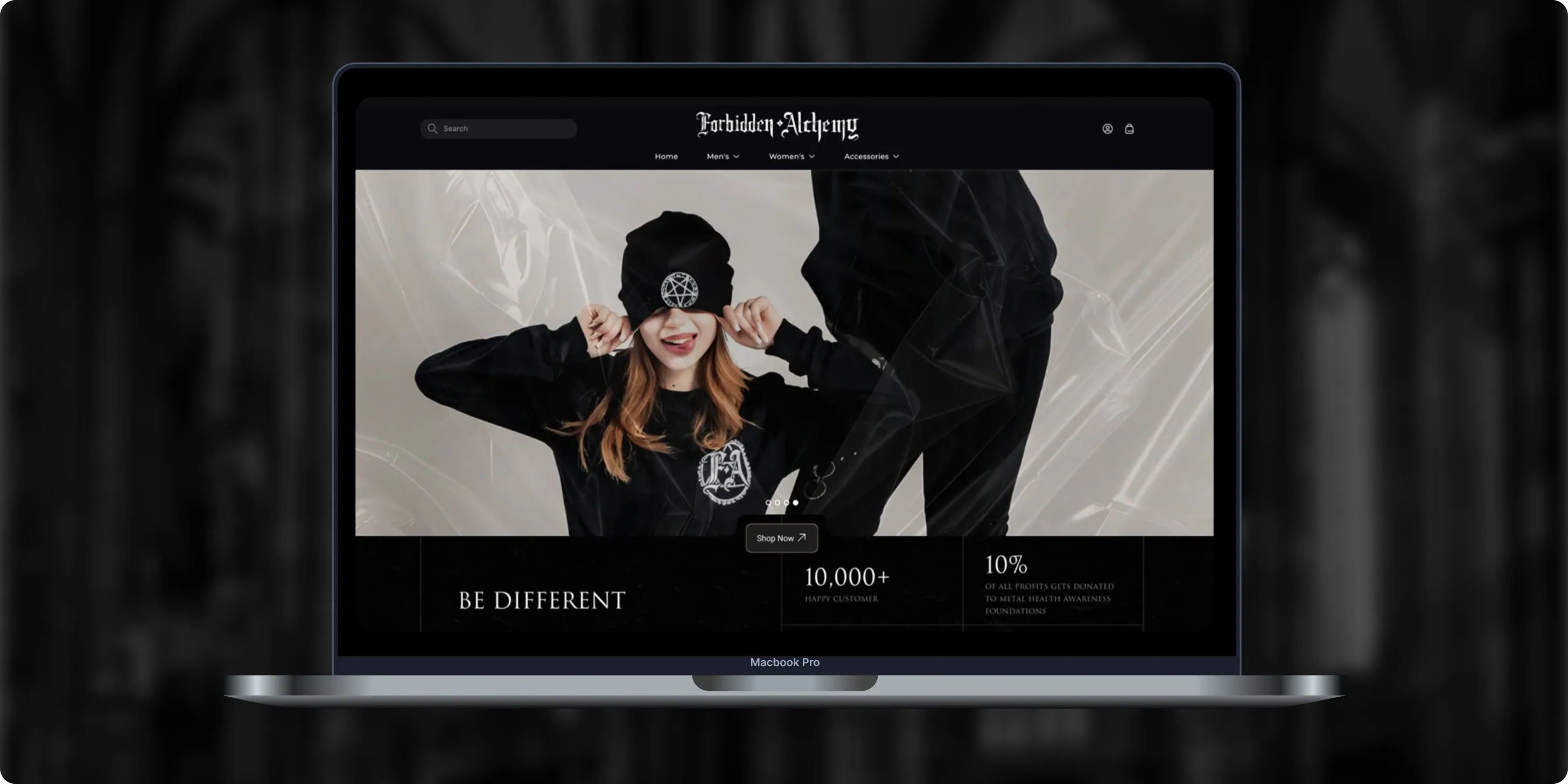
Forbidden Alchemy is an alternative fashion brand creating dark, provocative clothing for the metalhead community, with 10% of profits donated to mental health awareness. Its mostly mobile audience struggled with a store that was hard to navigate and weak on functionality.- +44%Revenue Month Over Month
- 86%Design Satisfaction
- 2.8XUser Retention Growth
Altera
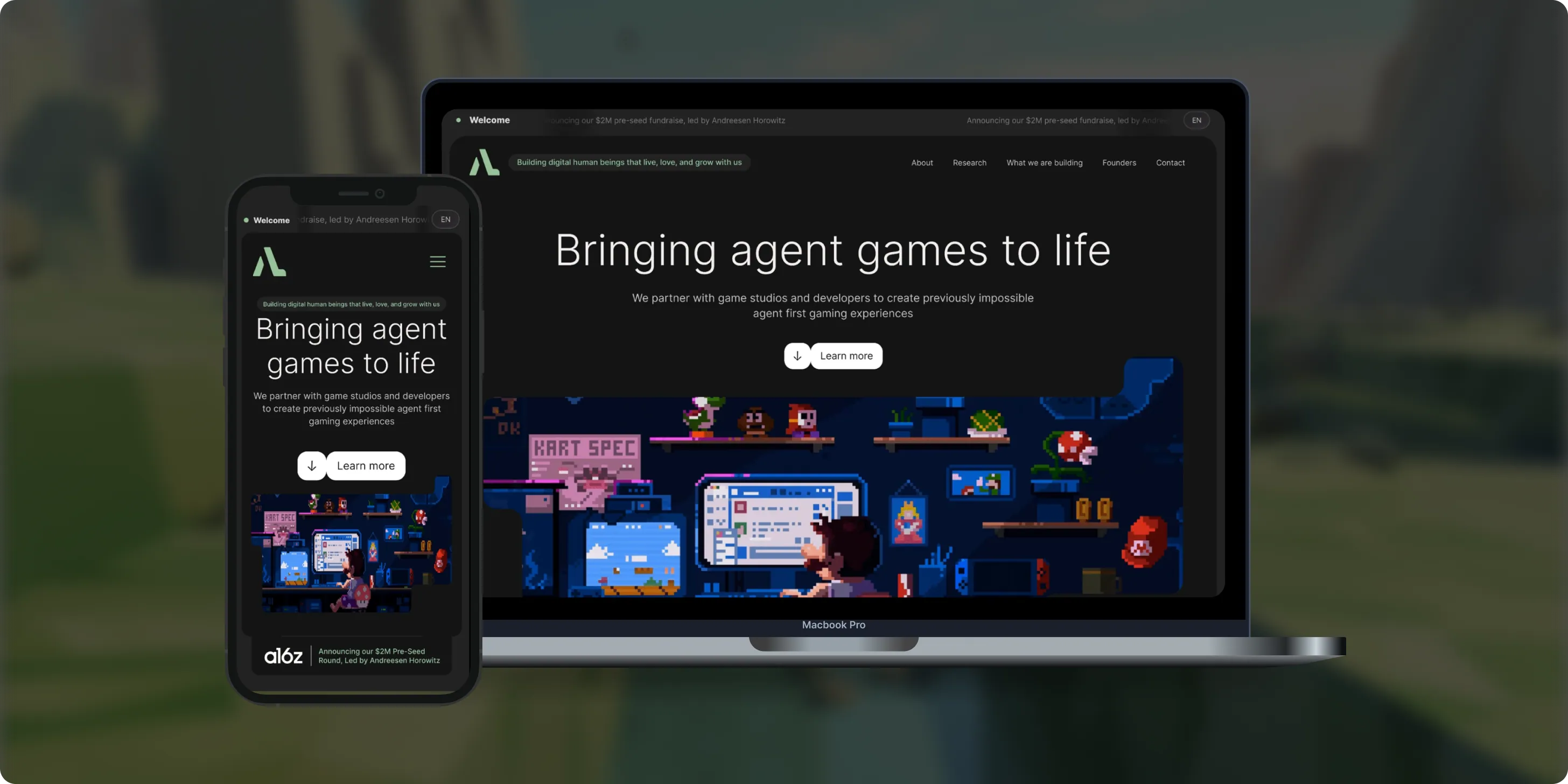
Altera builds on decades of computational neuroscience research to create digital human beings for gaming. Backed by a $2M pre-seed round led by Andreessen Horowitz, the team needed a landing page that could explain complex agent technology to players, partners, and investors.- 98%Dynamic Customization
- 100%Streamlined Navigation
- $2MPre-Seed Round
- Real Estate
Brizacorp
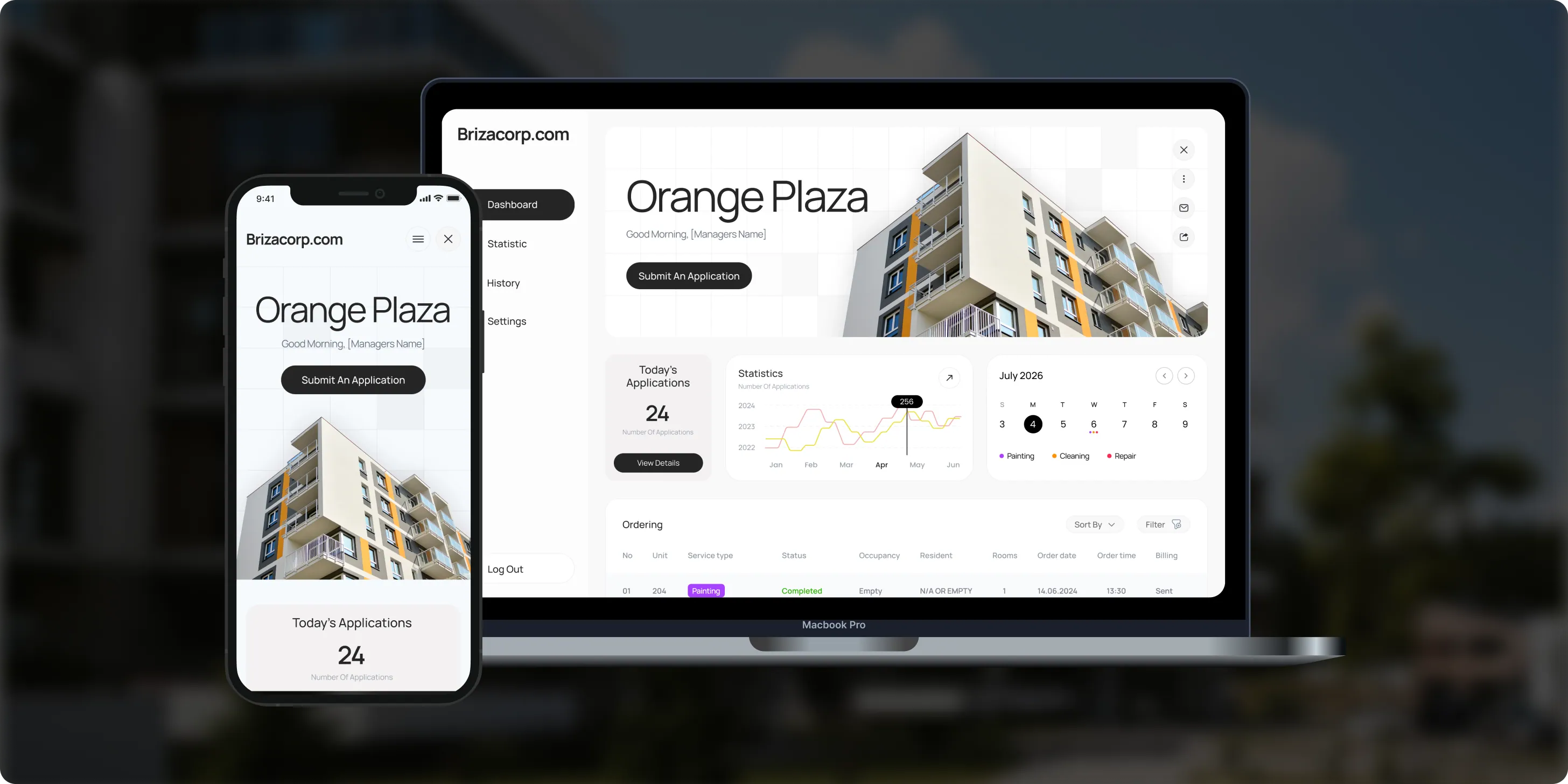
Brizacorp manages residential properties and coordinates the staff who handle painting, cleaning, and repair requests. Its team tracked work across messengers, phone calls, e-mail, and paper planners, with no single place to manage requests or measure performance.- 98%Application Stability
- 95%Utilization Rate
- 30%Faster Task Completion
Color & Harmony
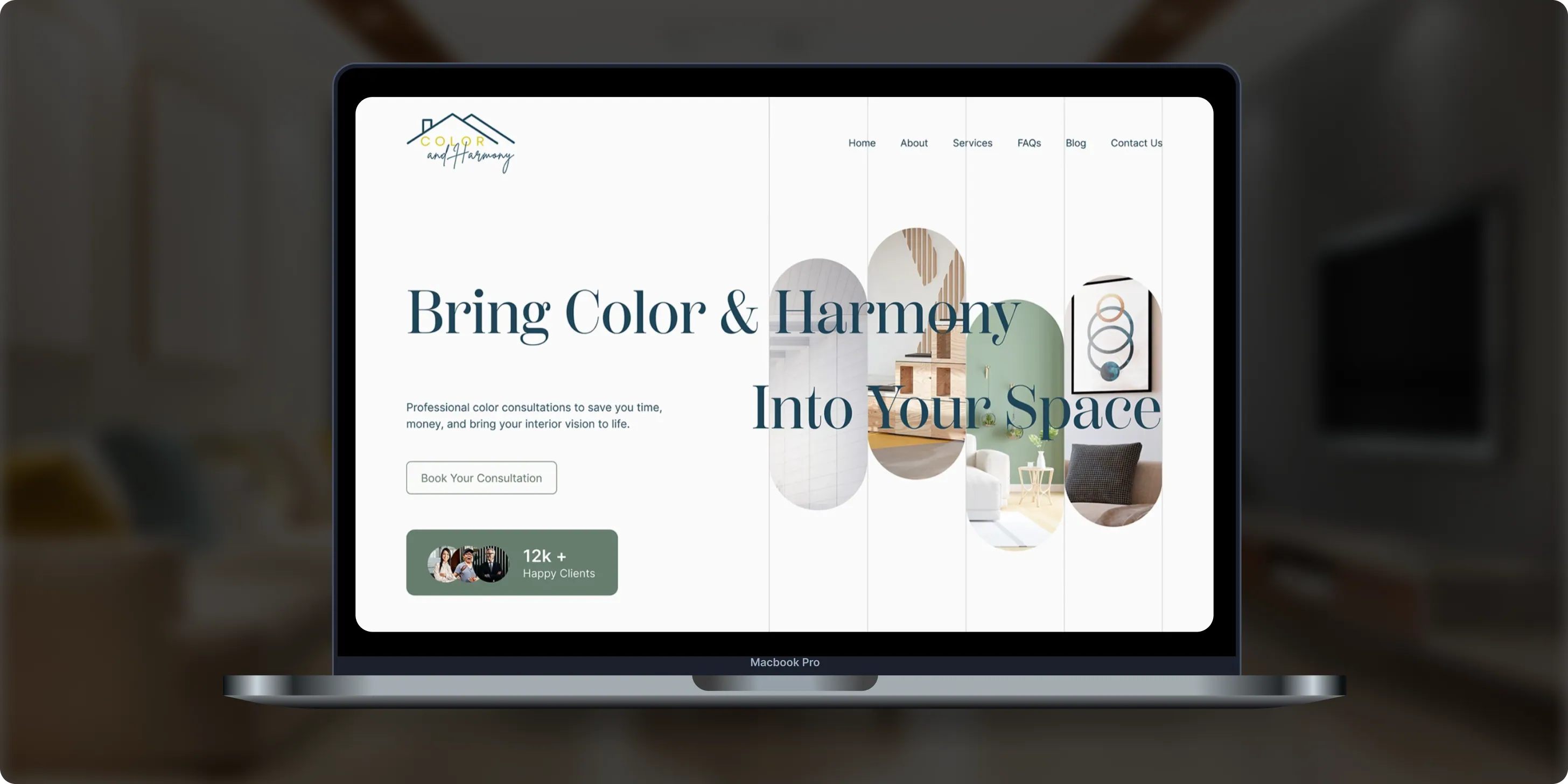
Color & Harmony is a Kentucky-based color consulting studio led by certified color strategist Diana Cartaya. The studio needed a website that reflects its refined aesthetic, showcases its portfolio, and explains a science-based color process in simple language.- 45%Conversion Rate Increase
- 50%Higher User Engagement
- 2Months to Launch
The Modern Gentlemen
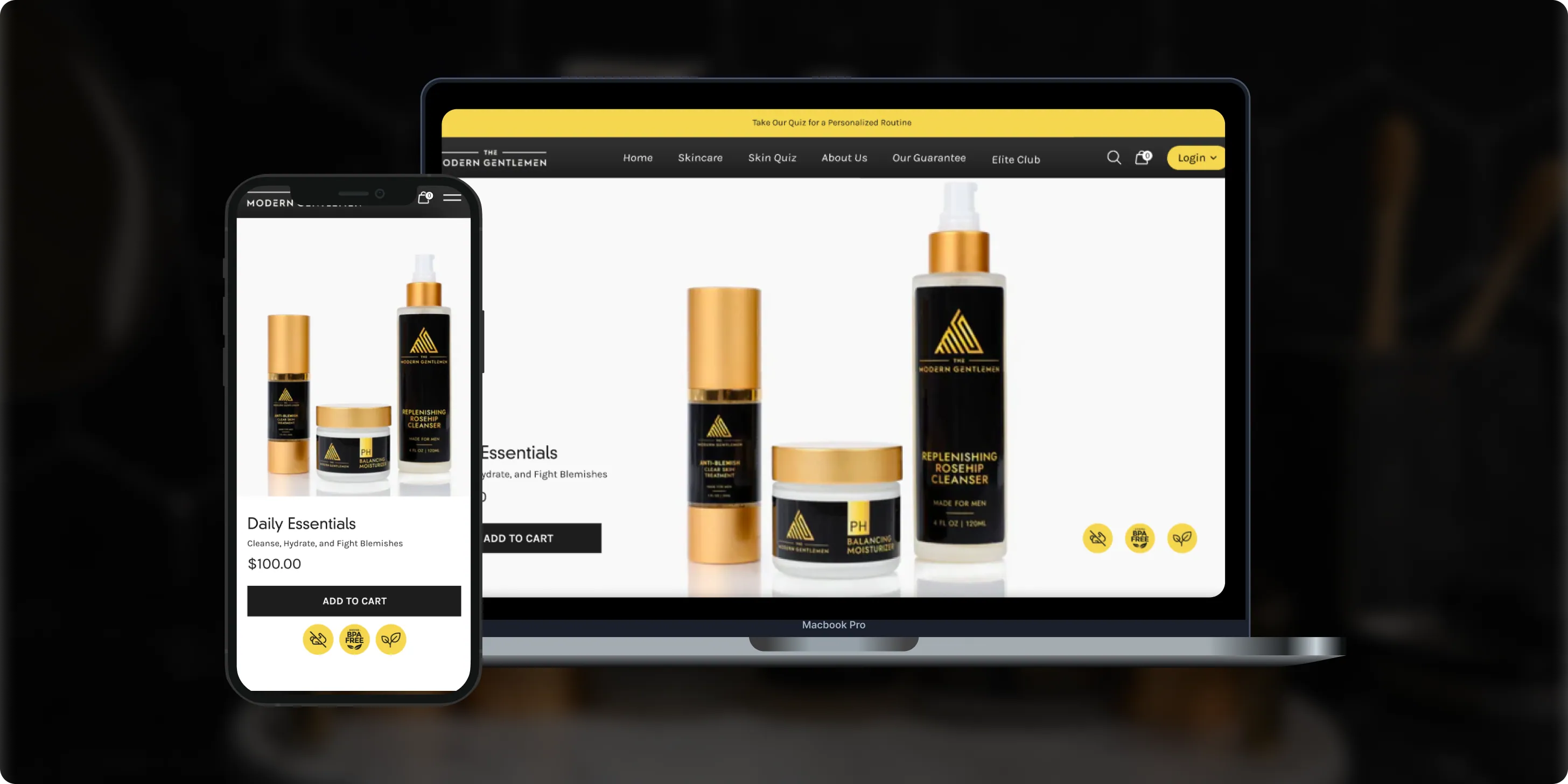
The Modern Gentlemen sells premium men's skincare featured in Men's Health, GQ, and Men's Journal. Its customers wanted an efficient routine, but generic product suggestions and limited skincare knowledge made choosing the right products hard.- 30%Increase in Conversions
- 25%Higher Customer Retention
- 92%Mobile Purchases
OQ Technology
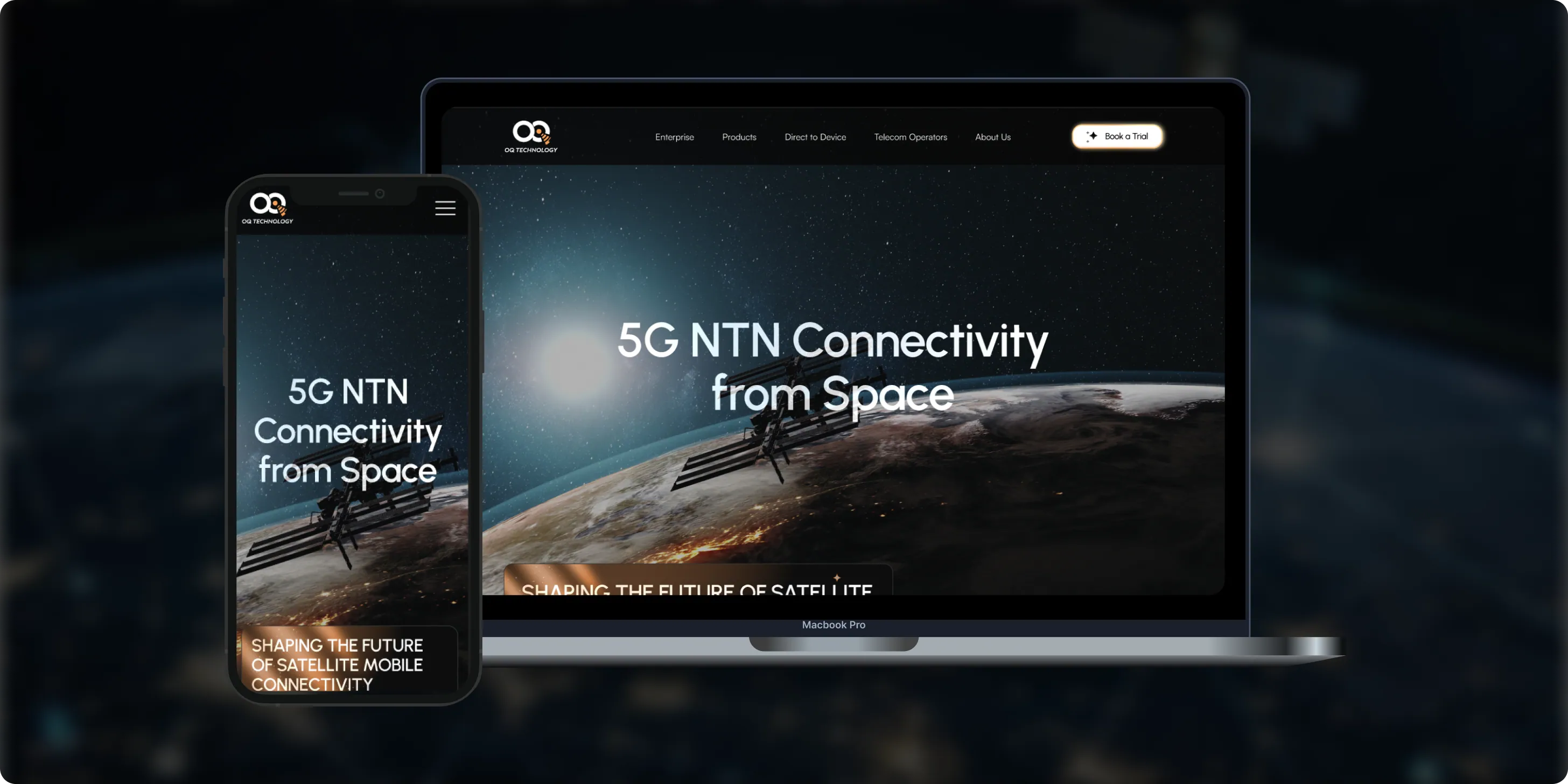
OQ Technology connects IoT devices, machines, and people anywhere on the planet through its satellite network, serving energy, maritime, logistics, agriculture, and mobile operators. Its website made it hard to explore products and reach pricing plans.- 4Pricing Plans Clarified
- 3Dedicated User Flows
- 1Unified Platform
- Real Estate
- Finance
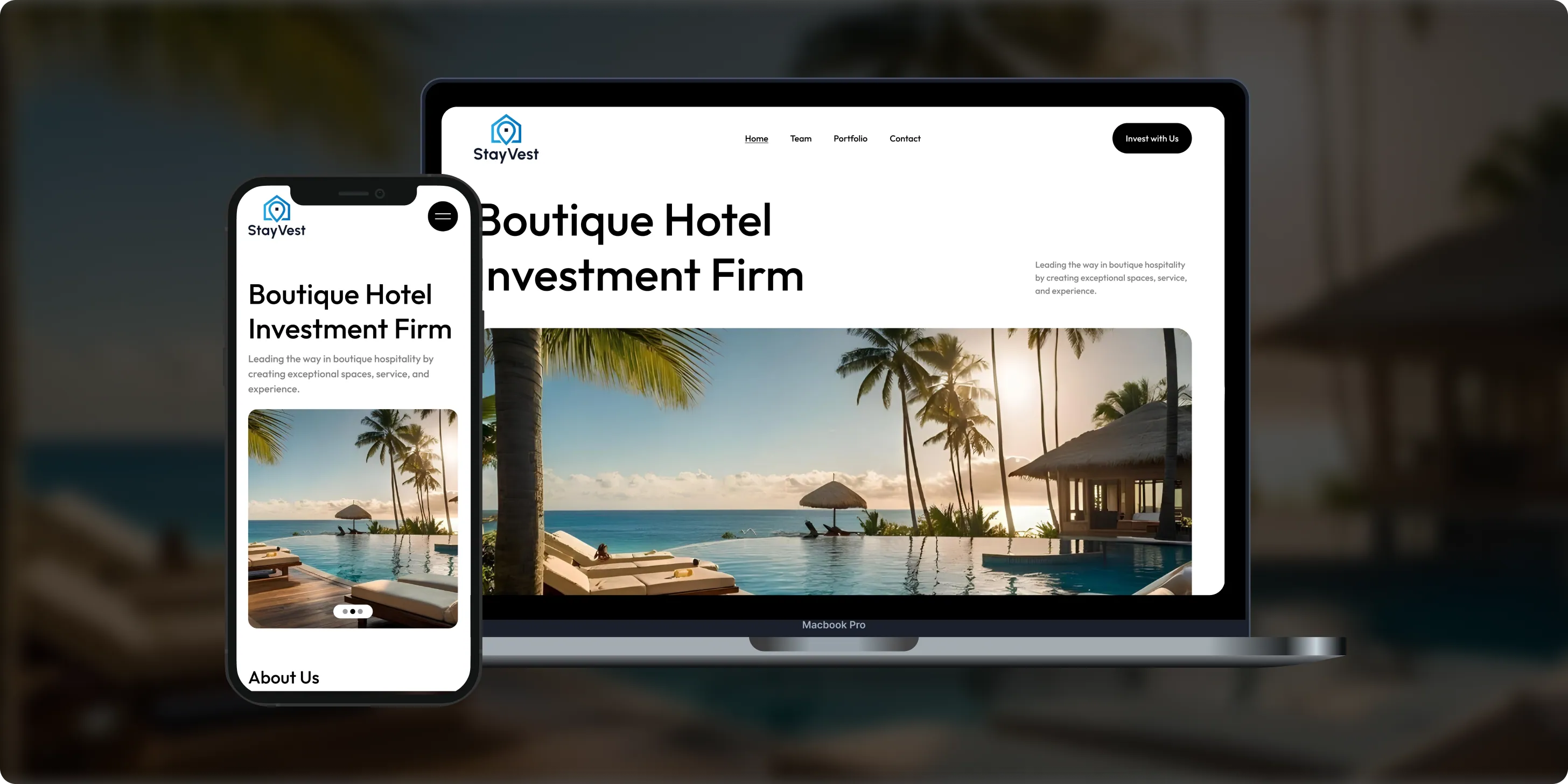
Stay Vest
Stay Vest is a private real estate investment firm that acquires, renovates, and operates boutique hotels for cash flow, tax benefits, and equity gain. It needed a platform that explains its strategy and earns the trust of passive investors.- 1,500+Guest Stays
- 200+Rooms Managed
- 5States Covered
Bokeyno Motorsports
Bokeyno Motorsports is the leading mobile installer of vertical doors for high-performance cars. This Shopify website isn’t just about services—it’s a bold statement of power, style, and expertise. With a sharp layout, strong visuals, and real-world case studies, the site delivers all the information car enthusiasts need to book confidently and instantly.- 54%Booking Requests
- 43%Lead Conversion
- 32%Qualified Inquiries

ai document processing platform
A comprehensive talent solution designed to help companies attract, hire, and retain top talent more effectively. The platform combines AI-powered recruitment technology with employee financial wellbeing programs, enabling smarter hiring decisions while supporting employees’ financial stability and long-term engagement.- 62%Faster Processing Time
- 78%Less Manual Work
- 35%Improved Accuracy

WHAT CLIENTS SAY
Independently verified reviews from real clients on Clutch.co


Client Story
Real feedback from
FMY Orthodontics

“SoftDoes consistently found ways to make things work, added features we had not originally envisioned, and never became frustrated. It felt like working with a true partner who cared about the success of our practice.”
Dan Merwin
DDS, MS, President, FMY Orthodontics

Client Story
Real feedback from
Prior Authorization AI
“Every time I sent a request, if there was anything that didn't work, they were able to turn it around quickly. Even when there were no updates yet, they always reached out to let me know they were working on it.”
Joseph Oluwo
Founder of Prior Authorization AI


Client Story
Real feedback from
WOVEN
“What stood out most was their commitment to understanding our needs before presenting solutions.”
Danna Pastran
Administrative Operations Manager, WOVEN

Client Story
Real feedback from
Grand Central Language Services
“The site performs as intended and provides the foundation for our company's digital presence.”
Joe Goldstein
QA Manager, Grand Central Language Services


Client Story
Real feedback from
DineMate
“They go above and beyond.”
Eric Snead
CEO, DineMate "Dating Connecting Platform"
WHAT CHANGED IN PRACTICE
Clients didn’t stay because of promises. They stayed because delivery became predictable, ownership was clear, and the product kept moving forward after launch.
- 01SENIOR ENGINEERS, NOT LAYERS
Every project at SoftDoes is handled by senior engineers and designers who join your calls and make mobile interface design decisions directly. There are no junior intermediaries relaying your feedback through layers of management. This means fewer handoffs between the person who hears your concern and the person who acts on it. Misalignment drops because the same people who understand your product context are the ones adjusting layouts and interaction patterns. Your team in Mobile gets faster answers and cleaner outcomes on every iteration. The result is less rework and a shorter path from feedback to finished screen.
- 02PREDICTABLE DELIVERY
We set clear milestones for research, wireframes, and final screen specifications before any mobile UI workflow begins. Your team sees real progress through regular design previews, not just status emails. Each phase has a defined start, review point, and completion marker so there are no ambiguous gaps. This structure works for projects of any size, whether a focused redesign of one screen or a full product overhaul. Surprises near launch disappear because problems surface early when they are cheaper to fix. Clients in Mobile always know what is coming next and when to expect it.
- 03BUILT TO LAST PAST LAUNCH
Launch is the start of an interface's life, not the finish line. We create design systems, component libraries, and token based documentation for mobile screens that survive version updates and team turnover. Long term mobile UI design means new team members can onboard quickly using the same guidelines your original designers followed. Every component is versioned and documented with usage rules, spacing values, and interaction states. This structure prevents the visual drift that makes products feel inconsistent after several release cycles. Your investment in design keeps paying off well past the first deploy.
- 04NO BABYSITTING REQUIRED
Our teams manage the full mobile app design process from research through prototyping and developer handoff without requiring constant oversight from your side. We communicate trade offs in mobile UX and UI proactively, flagging decisions before they become blockers. You stay informed through concise written updates and scheduled review sessions, not through Slack messages that demand immediate replies. When something needs your input, we frame the options clearly so you can decide quickly. This autonomous approach lets your leadership team focus on running the business while interface work moves forward. Confidence comes from knowing the work is progressing without you having to check in every day.
Technologies We Use
 Figma
 Sketch
 Adobe XD
 Photoshop
 Framer
























Frequently Asked Questions
Everything you need to know about working with SoftDoes. Can’t find an answer?
What are dashboard UI design best practices for companies in Mobile, AL?
Dashboard UI design starts from the decisions users make, shows key numbers first, keeps charts simple and uses color only for meaning. Add filters and drill-downs instead of extra charts, and keep labels plain. For finance and technology teams in Mobile, Alabama, SoftDoes also designs reporting views and feature-dense dashboards that stay readable on phones and tablets. See our user interface design services.
Does WCAG apply to mobile app UI design for businesses in Mobile, Alabama?
Yes, WCAG applies to mobile apps as well as websites, because its principles cover any digital content. U.S. rules and courts apply it to apps too. Key points are screen reader labels, touch target size, contrast, text scaling and support for both orientations. SoftDoes designs accessible apps for businesses in Mobile, Alabama, with accessible color contrast and text sizing built into the component library. See our user interface design services.
Why is a UI design system important for a product team in Mobile, AL?
A UI design system gives designers and developers one set of reusable components, styles and rules for the whole product. Screens look consistent, new screens get built faster and accessibility fixes apply everywhere at once. SoftDoes creates design systems in Figma and code for companies in Mobile, Alabama, and keeps the documentation current, so the system survives new releases and team changes. See our user interface design services.
What is mobile-first responsive UI design for businesses in Mobile, Alabama?
Mobile-first responsive design means designing for small phone screens first, then expanding the layout for tablets and desktops. It forces focus on essential content and keeps pages fast on phones, where much browsing happens. SoftDoes designs mobile-first interfaces for businesses in Mobile, Alabama, using flexible layouts that keep a clear visual hierarchy from compact phones to tablets and responsive web views. See our user interface design services.
How much should a clinic in Mobile, AL budget for patient app and portal UI design?
A clinic in Mobile should budget for UI design as part of the build, where a HIPAA mobile app for one platform starts from $14,000. A HIPAA patient portal starts from $38,500. Cost depends on the number of screens and user roles, research with patients and clinicians, accessibility and HIPAA-aware flows. Providers in Mobile can start with our user interface design, where scheduling, records and messaging screens get clear states and fewer tap errors.
How does UI design for defense contractors in Mobile meet WCAG accessibility standards?
UI design for defense contractors in Mobile meets WCAG accessibility standards through strong contrast, scalable text, keyboard access, labeled form fields and clear focus states. This matters because software delivered to federal departments must meet Section 508, which references WCAG. SoftDoes checks each component against WCAG and tests with assistive tools. See our defense tech work.
Which healthcare interfaces does SoftDoes design for providers in Mobile, AL?
SoftDoes designs healthcare interfaces for providers in Mobile, from patient portals and booking apps to clinical dashboards and intake forms. Designs follow WCAG accessibility rules and keep patient data off screens where it is not needed. Scheduling, records and communication tools get clear states and minimal tap errors, which reduces confusion in sensitive clinical workflows. You get Figma files and a component library your developers can reuse. See our healthcare software page.
How does SoftDoes make app UI design feel native on iOS and Android for Mobile, AL companies?
SoftDoes follows Apple's and Google's platform guidelines, with components, colors and type scales tailored to iOS and Android. Primary actions sit in the bottom third of the screen, where thumbs naturally rest, and gestures follow each platform's habits. For companies in Mobile, Alabama, the work starts with who your users are, which devices they carry and which tasks matter most. Clear feedback for every action and consistent notifications make the app easier to learn.
What should field app UI design include for construction crews in Mobile, Alabama?
Field app UI design for construction crews in Mobile should include large tap targets, readable checklists and offline-tolerant flows. Crews post status updates and capture photos on job sites, so those tasks need the fewest taps and the clearest feedback. SoftDoes checks layouts across phones and tablets and keeps primary actions within thumb reach. A mobile app for one platform starts from $4,500, design included, and a discovery of 2 to 4 days sets the exact quote.
Does SoftDoes keep improving an app's UI design after launch for companies in Mobile, AL?
Yes, SoftDoes keeps refining an app's UI after the first release as a long-term technical partner for companies in Mobile, Alabama. Task completion rates show where users still struggle, and structured research sessions explain why they drop off. Designs then change in small, tested rounds. The design system and documentation stay current through new releases and team changes, and every decision is documented for a clean handoff to developers.
Top Energy Software Development Companies for Utilities and Energy Innovators in 2026
Energy
The energy sector is going through one of the most significant technology shifts in decades. Utilities are modernizing legacy systems, renewable developers need smarter forecasting tools, and grid operators face growing pressure to manage distributed energy resources at scale. With the energy software market projected to exceed $50 billion by 2027, choosing the right development partner matters more than ever. This guide breaks down the top energy software development companies serving U.S. and Canadian organizations in 2026 and helps you match the right vendor to your specific needs.
Custom Energy Management Software Building: A Practical Guide for 2026
Energy
Energy costs across the U.S. and Canada are rising fast, and the tools many organizations rely on to manage those costs are not keeping up. If your portfolio spans multiple buildings, complex loads, or distributed energy resources, off the shelf platforms often fall short. This guide walks through when and how to invest in custom energy management software building, from scoping and architecture to AI features and long term maintenance.
How to Build Utility Billing Software: A Practical Guide for U.S. and Canadian Utilities
Energy